

How to Switch Swim Club Software Mid-Season Without Losing Billing History, Waivers, or Check-In Data
How clubs move software mid-season without losing billing history, waivers, or front-desk continuity — and what to verify before the switch.


Switching swim club software mid-season sounds risky because it is risky if the club treats the move like a data export instead of an operating change.
The good news is that most migration failures are predictable. Clubs run into trouble when they move too late, skip field mapping, or treat billing history, waivers, and check-in data like nice-to-have details instead of operational records that staff depend on every day.
If your current platform is slowing down renewals, hiding balances, or making the front desk improvise, you do not need to wait until the offseason to fix it. You do need a clean plan.
Start with one decision: what must survive the switch?
Before anyone exports a CSV, decide what the new system has to preserve on day one.
For most swim clubs, that short list is:
- household and member records
- current membership status
- billing history and open balances
- card-on-file or payment-state visibility
- signed waivers and document acknowledgements
- check-in history and current access eligibility
- guest credits, prepaid balances, or snack bar tabs if you use them
That list becomes your migration scope. It also keeps the project grounded when someone starts asking for side quests halfway through the move.
1. Freeze the timeline before you touch the data
A mid-season migration works best when you define three dates up front:
- The export date from the old system
- The validation window in the new system
- The go-live date for staff and families
Do not let those blur together. If you export on Friday, validate on Saturday, and go live on Monday, everyone knows what changed and when. If the club keeps editing both systems for a week, billing and check-in discrepancies get much harder to unwind.
Your timeline should also include:
- who owns data cleanup
- who approves the final member and balance counts
- who signs off on front-desk readiness
- who sends family communication before launch
2. Audit your source data before you migrate it
Bad data does not become good data just because it lands in a new platform.
Before the move, review:
- duplicate household records
- outdated email addresses and phone numbers
- expired members still marked active
- waiver files that are missing or stored outside the member record
- unsettled balances or manual credits that have no explanation
- check-in methods staff use today that are not documented anywhere
This is the part clubs often want to rush past. Do not. A short cleanup pass before migration prevents a much longer support mess after go-live.
3. Map the records that matter most to daily operations
Most clubs can tolerate a cosmetic mismatch on an old custom field for a day or two. They cannot tolerate uncertainty at the front desk.
That is why your first field-mapping review should center on live operations:
Billing history
Make sure the new system can show staff:
- what a family paid
- what they still owe
- what credits exist
- what plan or package they are on
- whether a failed payment or overdue balance should affect access
The key is not just importing totals. Staff need enough context to answer the question behind the balance.
Waivers and documents
Do not settle for "we have the files somewhere." The new system should clearly show whether the required waiver or acknowledgement is complete, current, and tied to the right member or household.
If waivers are stored in scattered PDFs, use the migration to standardize how they appear.
Check-in and access data
Your front desk needs a reliable answer to one question: should this person be let in right now?
That means the new platform should connect:
- member status
- eligibility rules
- waiver completion
- guest usage when applicable
- scan, kiosk, or lookup workflow
Historic check-in data is also valuable because it helps explain attendance patterns and staffing decisions after the switch.
4. Test the new system like an operator, not like a vendor
The best migration tests are scenario based.
Do not stop after "the records imported."
Run real workflows:
- scan an active member into the facility
- look up a household with an overdue balance
- verify a missing waiver warning appears
- post a snack bar or guest-related charge to a member account if your club uses those flows
- confirm a past invoice or payment can be found during a front-desk conversation
- test a renewal-ready household and a lapsed household
Ask your staff to try the workflows they use during the busiest hour of the week. That is usually where the real issues surface.
5. Communicate to families like the switch is a service improvement
Members do not need your full migration plan. They need confidence.
A simple launch note should explain:
- when the new system goes live
- what members may need to update or verify
- where they can find statements, waivers, or account information
- what will stay the same
- who to contact if they hit a problem
Avoid sending a technical memo. Families care about faster check-in, clearer billing, and fewer surprises. Frame the change around that experience.
6. Give the front desk a one-page launch guide
Even when the migration is successful, launch week feels messy if staff are guessing.
Create a one-page runbook with:
- the new check-in process
- how to look up balances
- how to confirm waiver status
- how to escalate a record mismatch
- who owns migration issues during the first week
This is especially important for seasonal teams, volunteers, and part-time staff who may not have full historical context.
7. Keep one short reconciliation window after go-live
Once the club is live in the new system, compare a few critical reports to the old one:
- active household count
- open balance total
- recent payment total
- waiver completion status for high-risk groups
- front-desk access exceptions
You are not trying to preserve the old platform forever. You are just using it briefly to confirm the new system is behaving the way the club expects.
A practical mid-season migration checklist
If you want the shortest possible version, use this:
- Define the export date, validation window, and go-live date.
- Audit duplicates, stale records, balances, and missing waiver files.
- Map billing history, waivers, and check-in eligibility first.
- Test real front-desk and payment scenarios before launch.
- Send a short member communication before go-live.
- Hand staff a one-page launch runbook.
- Reconcile key counts and balances during the first week.
Why this matters more than ever
The longer a club stays in a system that staff do not trust, the more workaround debt it builds:
- extra spreadsheets
- manual notes for exceptions
- uncertain waiver tracking
- front-desk guesses
- balance disputes that take too long to resolve
At that point, waiting for the "perfect" offseason window can cost more than making a disciplined switch now.
If your club is actively comparing options, start with the migration plan and the economics together. PoolPulse already frames that path around free migration support, a calmer mid-season runway, and a switch offer designed for seasonal clubs.
If you want to see how that looks in practice, start with Switch & Save and then compare the move against a familiar incumbent on Switch from PoolDues.
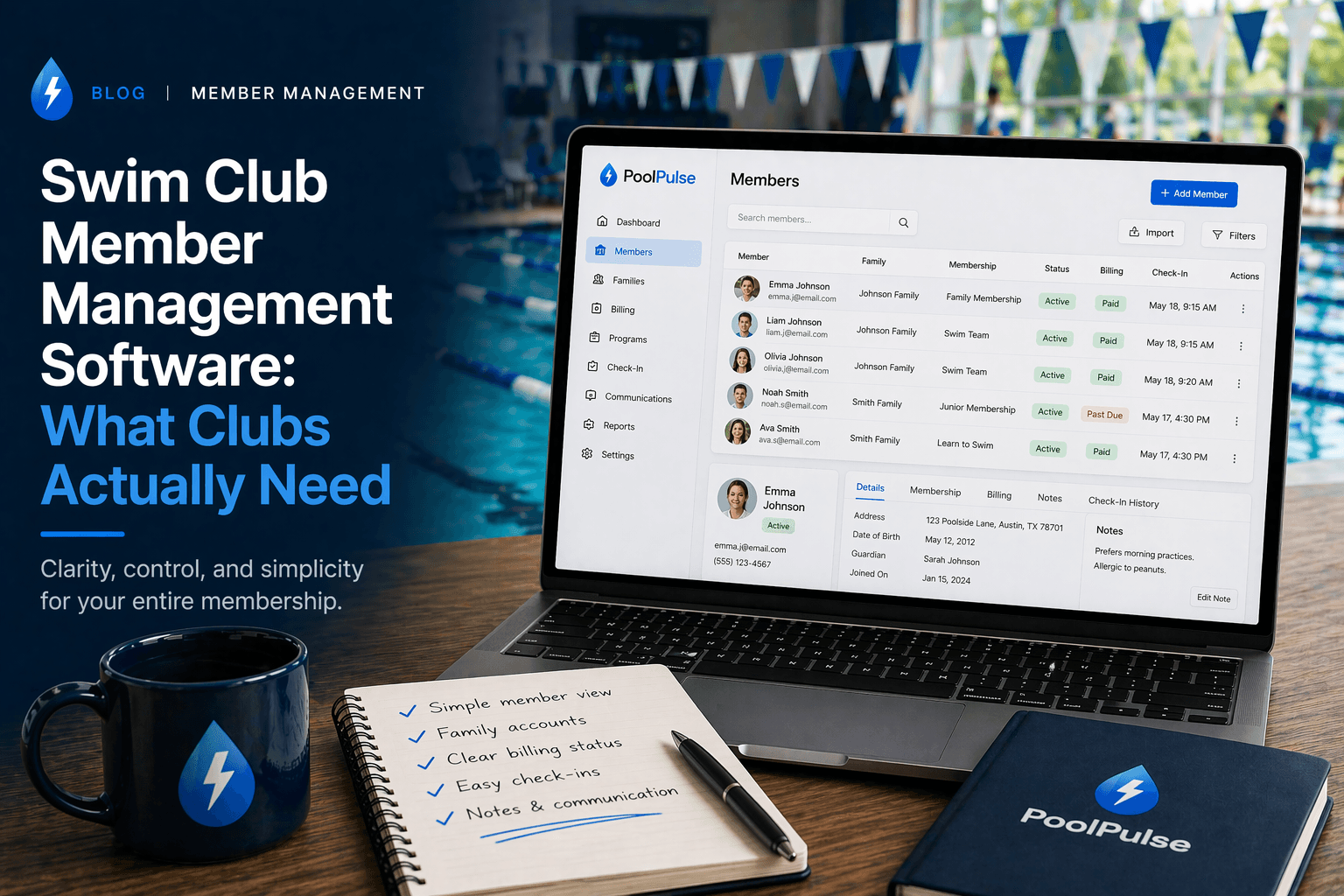
Swim Club Member Management Software: What Clubs Actually Need
What clubs actually need from member management software: billing, renewals, check-ins, waivers, and growth without second-system sprawl.

Five Front-Desk Tasks Your Swim POS Should Handle
Your front desk shouldn't need three systems to check in a swimmer. Here's how modern swim POS systems save time and reduce errors.

When Your Check-In Line Proves Software Is Too Slow
Discover how software timing affects your swim club's daily operations, from check-ins to billing, and why faster response times mean happier members.
Want to see if PoolPulse is a good fit for your club?
Book a walkthrough and we'll show you exactly how PoolPulse can help based on your club's needs, goals, and current processes.