
HOA Pulse Pilot
Residents, properties, pool access, guest passes, waivers, amenity reservations, notices, request intake, and board-ready reports.

HOA Pulse helps communities start with the operational headaches that show up first: pool access, guest rules, waivers, amenity reservations, resident records, maintenance requests, documents, notices, and board visibility.
Pool operations are often the easiest place to start, but HOA Pulse is designed to grow into broader community operations.
Residents, properties, pool access, guest passes, waivers, amenity reservations, notices, request intake, and board-ready reports.
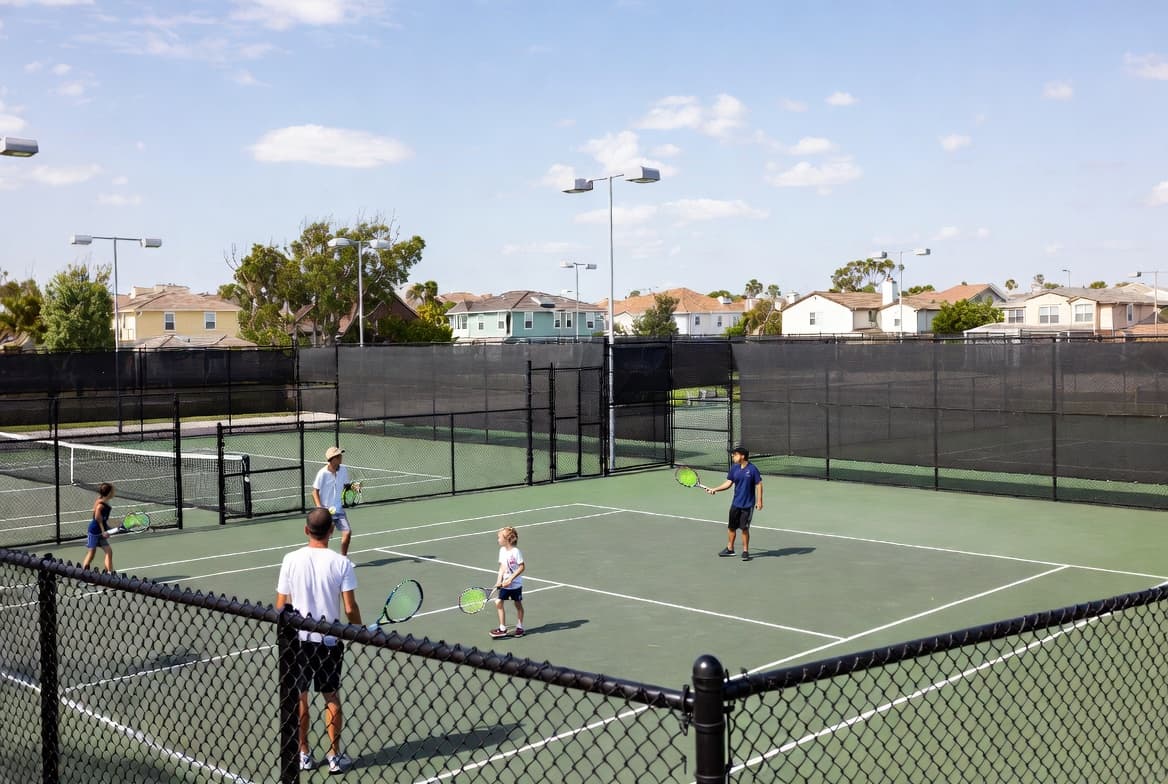
Clubhouse bookings, court reservations, amenity rules, approval workflows, deposits, agreements, and usage reports.
Maintenance requests, work orders, documents, notices, dues visibility, board reporting, and vendor coordination.
Multi-community dashboards, rollout tracking, manager assignments, open request visibility, and cross-community reporting.
Dues, violations, ARC requests, board tools, meetings, vendor bids, inspections, and emergency response workflows.
The HOA Pulse pilot is for communities that want a better way to manage pool and amenity operations without another season of spreadsheets, paper forms, disconnected tools, and board confusion.
Keep residents, households, owners, renters, occupants, and property relationships in one place so staff and board members can understand who belongs where.
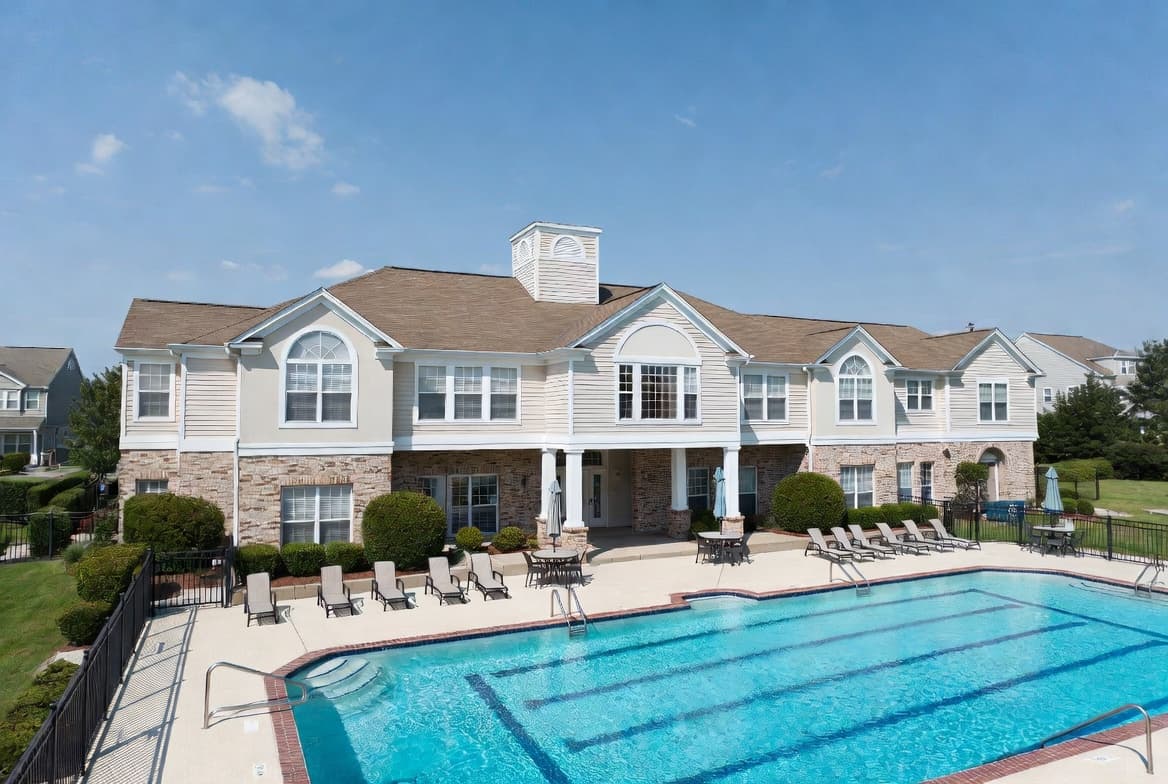
Validate resident access, guest access, waiver status, household standing, and pool rules at check-in without making staff guess.
Collect required waivers, rental agreements, policy acknowledgements, and community forms without chasing paper.
Let residents reserve shared spaces like clubhouses, courts, event rooms, and pavilions with clear rules, approvals, and visibility.
Capture pool, gate, amenity, landscaping, or common-area requests in a structured workflow instead of scattered emails and texts.
Give the board a cleaner view of resident activity, amenity usage, waiver completion, incidents, open requests, and operational readiness.
HOA Pulse can sit beside the tools your board or management company already uses while it improves the resident, amenity, request, notice, and reporting workflows that create daily friction.
Start with passes, guests, waivers, incidents, and access decisions at the pool.
Bring clubhouses, courts, pavilions, and event spaces into the same operating path.
Use the pilot to build confidence before moving more of the community workflow into HOA Pulse.
Pilot communities receive guided setup and direct support from the team building HOA Pulse.
No. Pool operations are often the easiest starting point, but the pilot can include amenities, residents, properties, maintenance requests, notices, documents, and board reporting.
No. You can start with one operational workflow and keep your existing tools in place. HOA Pulse can also expand into broader HOA management when your community is ready.
Yes. HOA Pulse is designed around residents, households, properties, owners, renters, occupants, and the relationships between them.
Yes. A focused pilot is usually better. Start with one pool, clubhouse, court, or operational workflow, then expand after the process is proven.
Pilot communities receive hands-on setup, migration guidance, configuration help, and direct feedback sessions with the HOA Pulse team.
Both. HOA Pulse supports self-managed boards, HOA-managed pools, and communities supported by management companies.
Start with one workflow, prove it with your residents and board, then expand when the system is working.