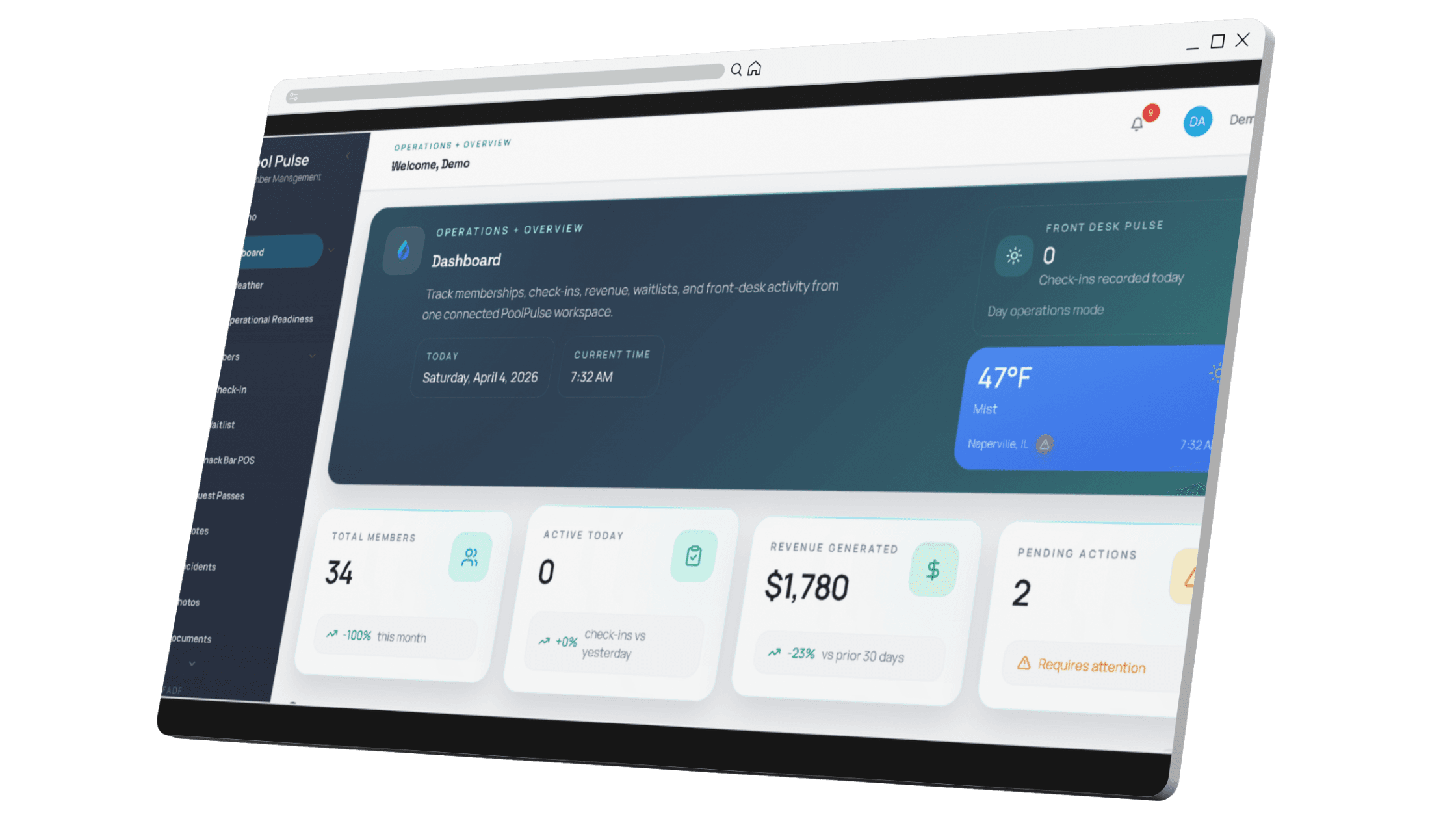


Billing, balances, and renewal state
Make sure dues history, open balances, retries, credits, and renewal readiness all survive the move with enough context for staff to use them.

Use the same approved long-form page structure to pressure-test the move before go-live: lock the scope, clean the data, validate real workflows, and make the website path explicit before launch.
Clubs usually do not struggle because the export button failed. They struggle because the scope is fuzzy, the data is dirty, the website path is unclear, and real front-desk validation happens too late.
A migration is an operating change. The cleaner launch paths protect billing, waiver visibility, guest rules, front-desk answers, and member-facing tools before the season gets busy again.

Household records, balances, waivers, guest rules, reservations, and member-facing paths should all be prioritized before anyone starts pulling files.

Imported data is not enough. Staff should validate real check-in, balance, waiver, and guest questions before go-live is considered complete.

Member-facing tools, embeds, logins, and ownership choices should be mapped in parallel instead of becoming a last-minute side project.

From export to calm launch
Use this checklist to keep billing, waivers, guest rules, member-facing tools, and front-desk validation moving in one launch path instead of spinning off into side projects.
Most software moves get easier when the team keeps the checklist grounded in records, workflows, and member-facing realities instead of generic project milestones.
Make sure dues history, open balances, retries, credits, and renewal readiness all survive the move with enough context for staff to use them.
Validate the exact scenarios staff face at the gate so launch week does not turn into live debugging.
Required documents should be visible in the operating workflow, not simply attached somewhere in the account.
Sponsor logic, guest exceptions, and household-specific rules should be tested before the club trusts the new system live.
If the club depends on booking workflows, validate them alongside the member record instead of after launch.
If the club runs charge-to-account or prepaid activity, the migration should confirm how those balances move and how staff will see them.
The cleaner migrations give the team one operating picture and one support path instead of multiple half-finished workarounds.
Reconcile the counts and key financial visibility items the board or operator will ask about during the first week.
The calmest software moves usually follow the same path: define what matters on day one, clean the records, validate the real workflows, and then go live with fewer unknowns.
Household records, balances, waivers, guest rules, reservations, and website decisions should all be prioritized before exports begin.
Duplicates, stale contacts, missing documents, and unexplained balance exceptions are easier to resolve before launch than during it.
Check-in questions, billing issues, waiver gaps, and guest-rule exceptions should all be rehearsed in the new system before the club trusts it live.
When the scope and validation are real, launch week becomes calmer for staff, members, and the board.
The most important migration checkpoint is not whether the data imported. It is whether the imported record still gives staff enough context to answer the real member questions that show up during busy hours.

The board, the day-to-day operator, and the front-desk team usually need different proof before a switch feels safe enough to approve and launch.
Operators usually need confidence that balances, household records, waivers, and website decisions are all accounted for before launch timing gets locked.
Scope · Cleanup · Reconciliation · Launch timingStaff should test the live scenarios they handle during peak hours so the new system does not create launch-week uncertainty.
Check-ins · Balances · Guest rules · WaiversBoards usually want proof that the migration is staged, the workflow checks are real, and the website path is not a hidden second project.
Risk · Timing · Commercial fit · Oversight
What a cleaner launch creates
When the checklist includes billing, waivers, website fit, and front-desk validation, launch week feels more like a handoff and less like an emergency response.
The team knows what was supposed to work on day one and what was validated before the switch.
Staff can answer member questions faster because the new account view already reflects the scenarios they tested.
The most common migration pain points get addressed before they turn into launch-week fire drills.
Leadership can see that the launch path covered operational reality, not only data transfer.
Member-facing tools and ownership choices are clearer because they were part of the migration plan from the start.
Use the checklist to define the launch scope, validate the scenarios that matter most, and connect the rollout to the website and member-facing path before you go live.
Be explicit about household records, balances, waivers, guest rules, reservations, and website-linked tools before the export begins.
Test what staff actually do during peak hours, not only whether the imported records look complete.
Treat the migration, website, and member-facing workflow as one rollout instead of several smaller projects that collide later.


Member-facing tools, embeds, logins, registration flows, and ownership choices should all be mapped before launch so the new system does not create a second surprise project after the data move.
These are the topics most clubs should be able to answer clearly before go-live is approved.
These are the questions that typically come up once the team starts turning migration from a promise into a real launch plan.
Most clubs should protect household records, current balances, billing history, waiver visibility, guest rules, and the front-desk context staff rely on during peak hours.
Yes, if the scope is defined clearly and the club validates billing, waivers, check-ins, and member-facing communication before go-live.
Usually yes. Member-facing tools, embeds, registration flows, and ownership choices are easier to trust when they are mapped before launch instead of after.
Review the migration page, website integration path, and switch offer, then schedule a walkthrough to map the rollout against your actual setup.

A walkthrough is the fastest way to confirm what should move first, how the website fits, and how the launch can stay calm before the season gets busy.