

Before Renewals Open, Decide What “Active Member” Actually Means
Build one membership-status rule that billing, check-in, renewals, and staff can apply without guessing.


A family can look active in one spreadsheet, overdue in the ledger, eligible at check-in and missing from the renewal list on the same morning. Each record may be accurate for its own purpose. The trouble starts when everyone assumes that “active” answers the same question.
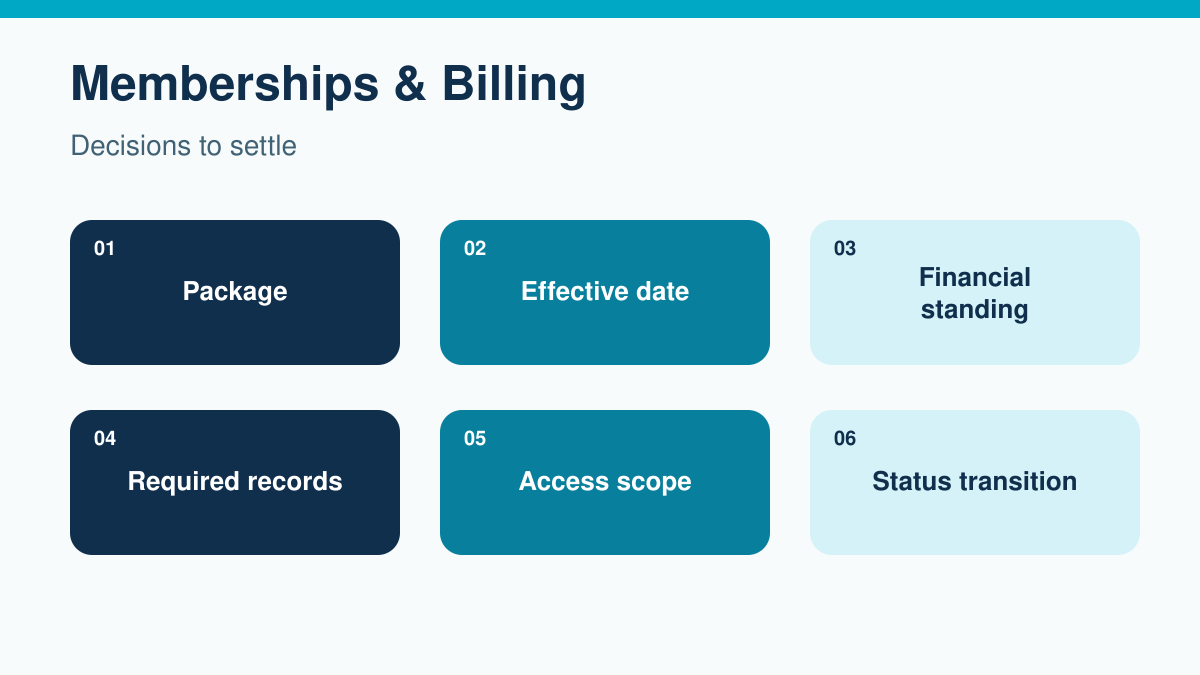
Before renewals open, define active membership in terms staff can apply to a real household on a particular day. Start with six inputs: package, effective dates, financial standing, required records, access scope and status transitions. Then separate current access from next season’s renewal eligibility. Buying next year’s membership does not necessarily change what someone may do today.
The following approach is an operating framework for club managers and membership administrators. Your governing documents and approved policies still determine the actual rules. Where those rules affect contractual rights or legal obligations, have the appropriate adviser review them before changing member treatment.
Start with the question the status must answer
Ask the front desk what it needs to decide. Usually the question is whether this person may enter this facility now. Finance needs to know whether the account owes money. Membership staff need to know whether the household can renew, change packages or retain priority. Those answers overlap but they are not interchangeable.
Write a short definition for each operational state. “Current” might mean that the membership term includes today. “Eligible to enter” might require a current membership plus the relevant access conditions. “Renewal pending” might describe an incomplete next-season purchase. Use labels that match your club’s policy rather than treating these examples as mandatory categories.
Keep the underlying facts available. A single green badge cannot explain a seasonal package, an approved installment plan and a missing dependent waiver. Staff should see the decision they need, the reason for it and a clear route to resolve an exception without searching through unrelated household notes.
1. Translate packages into specific eligibility
Inventory the packages actually sold, including legacy arrangements still in use. For each one, identify who it covers, which season it applies to and the facilities it includes. Record whether an add-on extends an existing entitlement or creates a separate purchase. A guest pass, locker rental or lesson registration should not accidentally turn a nonmember into a full member.
Household coverage needs particular care. List the people covered rather than assuming everyone sharing an address has the same rights. Decide how the club handles a dependent reaching an age threshold, a caregiver arriving without the account holder or a household split during the season. These cases need an approved rule, not a front-desk interpretation of a package name.
Keep commercial descriptions and internal package codes linked. If a receipt says “Family Summer Membership” while the database says “FAM27,” staff should be able to establish that they refer to the same purchase. When retiring a package, preserve its historical definition so old transactions remain understandable.
2. Give every entitlement an effective period
Record when access starts and when it ends. Distinguish the date of purchase from the first eligible visit. An early renewal paid in November may secure a place for the following summer without granting winter access. A late renewal may start immediately or on another approved date. Either approach needs to be explicit.
State how the club interprets the final day. “Through September 30” should have a consistent operational meaning across the member message and check-in process. Record the relevant time zone where systems use timestamps. Otherwise, a midnight change processed in a different time zone can create an unexpected denial during the last evening of the season.
Grace periods deserve their own fields or documented rules. Identify which privilege continues, how long it continues and what ends the grace period. Do not leave an account indefinitely active because someone once typed “grace” into a note. Show the review date and the person responsible for deciding what happens next.
3. Define financial standing without hiding the ledger
Decide which unpaid items affect which privileges. A past-due membership installment may have a different consequence from a snack bar balance or a charge under review. Document the distinction. “Any balance blocks access” is a policy choice with practical consequences, not a neutral system setting.
Separate outstanding debt from payment processing status. A member who has submitted a payment may be waiting for confirmation. A household credit may exist but may not yet have been applied to the relevant invoice. An approved installment plan can be current even while future installments remain unpaid. These situations should not collapse into the same overdue flag.
Use finance-approved examples to test the rule: a failed installment, a pending payment, an unapplied credit, a disputed fee and an account paying under an approved plan. For each example, write the access result and the next action. Also identify who can correct a misapplied payment without changing the underlying membership policy.
Keep access overrides separate from financial adjustments. Letting a household enter while finance investigates does not erase the debt. Waiving a fee does not necessarily restore every privilege. Record both actions when both occur so the next person can explain the account accurately.
4. Specify required records at the person level
Replace “paperwork complete” with a named requirement. Identify the form version, the person it concerns, the required signer and any expiration or renewal condition. A household may have one completed account agreement while an individual participant still needs a program-specific record.
Determine the consequence of each missing item under the club’s approved policy. Does it prevent all admission, one activity or only a new registration? Who can review a disputed completion status? Staff should not have to infer these consequences from a document title. Avoid making assumptions about waiver validity or who may sign on another person’s behalf.
Show the front desk only the information needed to act. “Contact membership office before admission” may be sufficient where the underlying explanation contains sensitive information. A visible status should not become a public display of payment difficulties or private household circumstances.
5. Map access scope instead of granting everything at once
Create a compact privilege table covering entry, reservations, programs, guests and account purchasing. A membership category may allow entry but not priority booking. A participant may be eligible for a paid lesson without being entitled to general facility use. Put those distinctions into the table before trying to configure them.
For each privilege, identify the source of the decision. Entry might depend on the membership term and current restrictions. Program participation might depend on a separate registration. Guest privileges might depend on the package and remaining allowance. The point is to stop one status from silently overruling a more specific condition.
Review existing reservations when status changes. A future booking may have been valid when created but require attention after a cancellation or package change. Decide whether staff review it, notify the member or take another approved action. Do not assume that changing the membership label also updates every downstream commitment.
6. Make status changes explainable
Define the trigger for each transition: term commencement, payment confirmation, expiration, approved suspension or another documented event. Name the role allowed to act and whether approval is required. Also specify the effective time, any member notification and the record retained.
A correction should preserve the explanation for the original result. If staff restore access after finding that a payment was applied to the wrong household, record the correction and its effective time. Quietly replacing the old value can make a legitimate earlier denial look arbitrary when a member asks about it later.
Temporary exceptions need an end. Record what is allowed, who approved it and when it expires. Give the next shift enough information to honor the same decision without extending it unintentionally. Avoid permanent policy changes disguised as recurring one-day overrides.
Keep renewal eligibility separate from today’s access
The renewal campaign needs its own selection criteria. Decide whether invitations go to current members, recently expired members, households on hold or a defined combination. Include the season and the date on which the list was evaluated. A report called “active members” is too ambiguous to use as the campaign specification.
Consider an illustrative household whose current membership ends September 30. It pays for next season on September 15. Its current access continues under the existing term while the future purchase waits for its own start date. The household should not disappear from a current-season roster or receive another unpaid renewal reminder simply because one label cannot represent both terms.
Now add a pending package change. The household wants a smaller package next year but has not completed the required confirmation. Show the future purchase as incomplete without altering this season’s valid access. Membership staff can follow up on the missing step while the front desk continues to apply the current entitlement.
Test the rules with accounts that cross a boundary
Use anonymized examples where possible. Give finance and front-desk staff the same facts and ask them to decide independently. Compare their answers before explaining the intended result. Disagreement reveals an unclear rule or a missing source field more reliably than asking whether everyone understands the policy.
| Test case | Question to settle | Evidence to inspect |
|---|---|---|
| Early renewal | What changes now and what waits for next season? | Both membership terms and the payment allocation |
| Failed installment | Does access change immediately or after a defined process? | Payment status and the approved delinquency rule |
| Missing dependent record | Is the restriction personal or household-wide? | Covered people and the specific record requirement |
| Temporary exception | What may staff permit until the review date? | Approver, scope and expiry |
| Midseason package change | Which existing reservations need review? | Effective date and affected privileges |
Include one timing test at the exact boundary between terms. Check the result before and after the cutoff. Also test what staff should do when the authoritative record is unavailable. A documented escalation route is safer than letting an old printed roster become an unofficial permanent source.
Put the definition into service before invitations go out
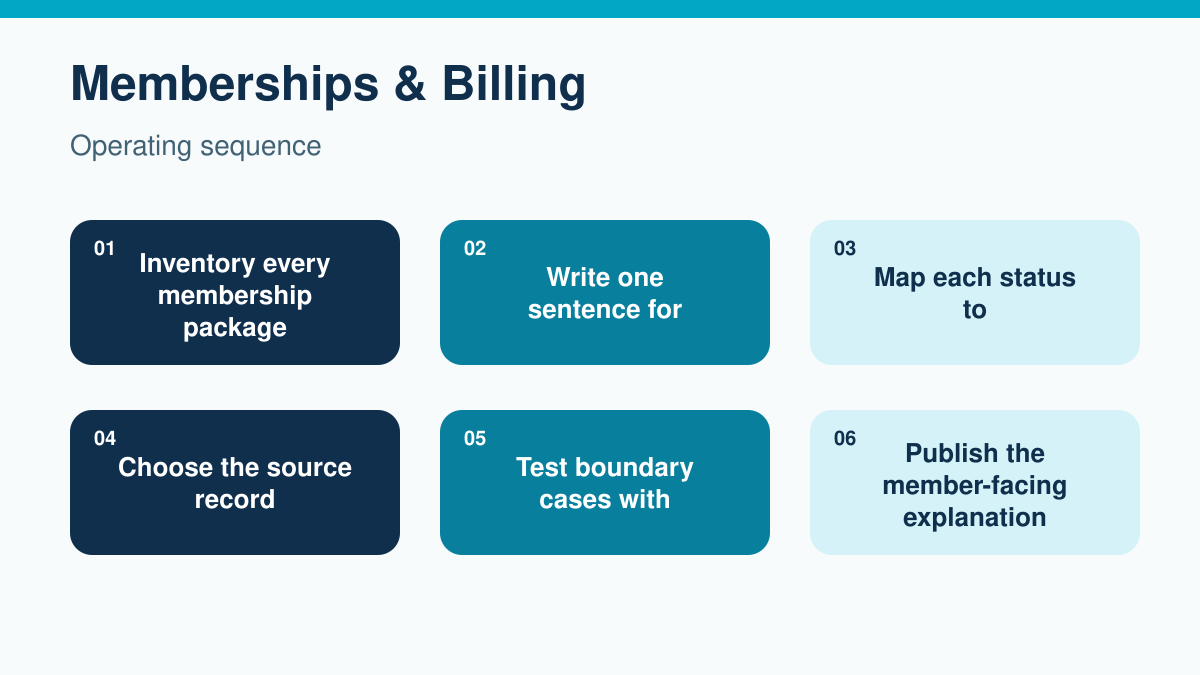
Work through the implementation in order. Inventory packages first, then define the statuses staff will see. Map those statuses to actual privileges before choosing the source record for each input. Run the boundary tests with both finance and front-desk staff. Publish the member-facing explanation only after the operational answers agree.
During migration, distinguish clean records from unresolved ones. Do not automatically mark every household active just because its name appears on last year’s roster. Reconcile package coverage, term dates and relevant account conditions. Place ambiguous cases in a review queue with an owner rather than guessing or silently excluding them from the campaign.
Before sending invitations, compare the selected households with the expected population. Investigate duplicates, missing households and unexpected inclusions. Keep a dated copy of the selection criteria so a later question about an invitation can be answered without trying to recreate an old report.
Explain the rule in language members can use
The member-facing explanation should tell people when their membership begins, what it includes and what they need to complete. State how they can check their standing and where to ask for a correction. Avoid exposing internal state names if those names are meaningful only to administrators.
For a specific restriction, explain the required next step rather than offering a vague instruction to contact support. If a required record is missing, identify it. If finance must review a payment, provide the appropriate contact and tell the member what information will help. Do not promise immediate restoration unless staff can actually deliver it.
Where a U.S. club relies on section 501(c)(7) tax-exempt status, keep operational labels separate from tax classifications. The IRS guidance on social clubs describes membership-related requirements and records for nonmember activity. A software label alone does not establish how a person or transaction should be treated for tax purposes. Bring classification questions to the club’s tax adviser.
Review exceptions and test the software fit
After renewals open, review denied-entry corrections, unresolved status reviews and duplicate invitations. Look for patterns rather than treating each case as an isolated mistake. Several corrections involving the same package may indicate a definition problem. Repeated expired overrides may indicate that nobody owns the review queue.
Revisit the model when introducing a new package or changing payment terms. Update dependent messages and staff guidance at the same time. The goal is a membership record that explains both the current decision and how it became current.
To explore the software side, book a Clubward demo with an early renewal and one difficult household example. Ask the team to show how your proposed membership rules would interact with payments and check-in. Confirm which distinctions and exception controls fit your setup before relying on them. The club still needs to approve the rules the software will follow.

Freeze, Cancel, or Defer? Give Staff One Membership Answer
Separate membership freezes, cancellations, and deferrals with clear dates, financial treatment, access rules, approvals, and member communication.

A Payment Dispute Is Won or Lost Before the Bank Email Arrives
Build a chronological payment record that connects the charge, policy, service, communication, and refund history.

Your Membership Revenue Report Is Not Reconciled Until These Four Numbers Agree
Stop treating a payment total as a revenue answer. Reconcile the full path from member charge to bank deposit with a four-number framework your board can trust.
Want to see if PoolPulse is a good fit for your club?
Book a walkthrough and we'll show you exactly how PoolPulse can help based on your club's needs, goals, and current processes.