

Before You Add Another Member Field, Decide Who Will Keep It Accurate
Every new field creates a maintenance promise. Use this framework to decide what belongs in the member database and who is responsible for keeping it reliable.


The renewal form asks for an emergency contact, but nobody knows whether last year’s answer is still correct. A second spreadsheet has a different phone number. Before adding another field to the member database, decide which record staff should trust and who will keep it current.
The practical answer is to give every important field a purpose, a responsible role, a source, an update trigger, and a retirement rule. This guide helps membership administrators turn those decisions into a usable data dictionary, with examples for household contacts, eligibility, and staff notes.
The FTC advises businesses to know what personal information they have, keep only what they need, protect it, and dispose of it securely when it is no longer necessary. Read the FTC data-security guide . PoolPulse keeps household details, membership context, waivers, notes, balances, and activity connected in member management .
Treat every field as an operating commitment
A field is useful only when staff know why it exists, when it changes, and which decision depends on it. A blank or stale value can be worse than no field because it looks authoritative.
Require a one-sentence purpose before adding a field. If the purpose is “we might need it,” pause until a real workflow, decision, or obligation can be named.
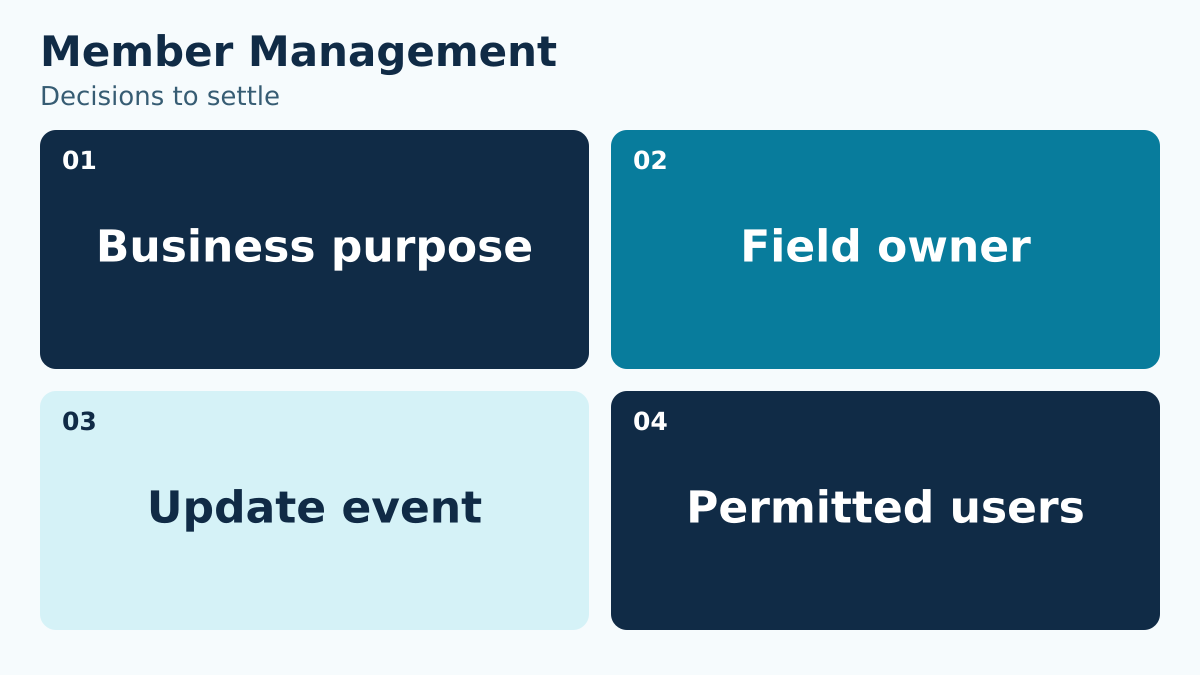
Try the purpose test on a proposed occupation field. Which service changes because a member supplies an occupation? Who will use the answer? What happens if it is blank? If nobody can name a real decision, leave the field off the form. Compare that with an emergency contact needed for a defined incident procedure: the responsible role, use, and update event are easier to specify. Avoid making a field required simply because the form editor allows it. Write the consequence of a missing answer beside the definition. A contact detail may require follow-up before a particular activity, while a newsletter preference can remain optional. The collection experience should reflect that difference. Ask a seasonal employee to explain the purpose to a member; if the explanation becomes “the office wanted it,” revisit the request.
Build a small data dictionary
Record the field label, plain-language definition, allowed values, source, owner, update event, visibility, and retention rule. Keep definitions readable enough for seasonal staff.
The dictionary prevents two teams from using the same label differently. “Status,” for example, might mean membership status, billing standing, or access eligibility; those are different decisions.
Create a dictionary row for emergency contact telephone: “The current number to call for the person designated for this participant during the club’s emergency contact process.” Add the expected format, the member as the initial source, the membership office as the correction owner, and renewal or a reported change as update events. Then define what a staff member should do when the number appears invalid. The dictionary should settle action, not merely list column names. For status fields, replace a broad label such as “current” with the specific question answered: membership active, invoice settled, or access permitted. Keep historical values separate from the present decision where the workflow requires history. A glossary that explains these differences is also a training aid for new administrators and a reference during data imports.
Assign a source of truth
Choose whether a value comes from the member, staff verification, a payment event, a signed document, or a system rule. Do not let several tools silently compete.
When staff correct a value, preserve the reason and effective date when history matters. The current answer and the path that produced it serve different operational needs.
Work through a disagreement before selecting the authoritative source. Suppose a member changes a mailing address in the portal while an older committee spreadsheet still lists the previous address. Decide whether the member-submitted change can update the main record immediately or requires a specific check. Tell the committee how it will receive the current value and what it should do with its old copy. Do not let an import overwrite a newer verified value simply because the import ran later. For each imported field, define which date or evidence controls the decision. Put uncertain matches into a review queue rather than merging on a shared surname alone. Record who resolved the conflict and which source was accepted when that history matters to billing, eligibility, or communication.
Design the update event
Fields decay unless something triggers review. Tie each important field to a natural event such as renewal, address change, household update, waiver signing, program registration, or staff review.
Avoid annual mass-cleanup as the only control. Smaller updates at the moment of interaction are easier to explain and less likely to overwhelm administrators.
Design updates around the moments people already understand. At renewal, ask the household to confirm the current contact and participant information. When a member reports a change, make the correction path clear and explain which related records require review. When staff discover an invalid contact, create a specific follow-up rather than a general “check data” note. Track the last confirmation separately from the date the record was first created. A five-year-old account can contain information confirmed yesterday; a newly imported account can contain information that nobody has reviewed for years. Choose review priorities according to the use of the field. Start with information that changes a live service decision, then address convenience fields. This keeps cleanup tied to useful outcomes and gives the office a manageable sequence.
Limit free text
Free text is useful for context but difficult to filter, compare, and maintain. Use defined options for decisions that drive eligibility, communication, reporting, or access.
Reserve notes for nuance. Never hide an operational status inside a note that only one experienced staff member knows how to interpret.
Compare two notes: “Difficult family, always a problem” and “Member requested a call about invoice 1042; billing lead will respond Friday.” The second gives staff a task, subject, owner, and deadline without turning opinion into an enduring label. Establish a short note standard that asks for relevant facts, necessary context, and the next action. Move repeated operational answers into defined fields: a renewal decision should not require searching through months of narrative. Keep a limited option list and a way to flag an option that does not fit. If “other” becomes the most common answer, review the choices rather than adding more instructions to write longer notes. Use the registration data-minimization checklist to assess whether each requested detail belongs in the record at all.
Separate household and person data
A household may share an address or billing relationship, while each person has distinct eligibility, waivers, age, communication preferences, and participation history.
Define where each value belongs. Duplicating household facts across people creates contradictory records and makes corrections risky.
Draw the relationship before choosing where a field lives. One household might include two adults and three participants, but only one adult receives billing correspondence. One participant may attend lessons while another only uses general facilities. Put the shared mailing address on the household if that matches the club’s model, while keeping each participant’s activity requirements with that person. Decide how to handle people who belong to more than one household relationship or whose authorized contacts change. A copied address is easy to create and easy to forget during a correction. Test an ordinary move: change the household address, then check receipts, mailing exports, participant views, and emergency-contact information. Identify which outputs should update and which should retain a historical value. Document that expected behavior before the next bulk cleanup.
Review access and sensitivity
Not every staff role needs every field. Map each field to the minimum roles that need it and avoid putting sensitive context into general notes or exported lists.
Review exports as carefully as screens. A restricted field can still leak through a broad spreadsheet if export permissions and recipient practices are ignored.
Use a field-to-role matrix for practical access decisions. A front-desk employee might need a member’s identity and admission context without needing every finance note or unrestricted household export. A program lead may need a roster and authorized contact details for their program. Review what each role can see on screen, print, and export. Then test with that role’s account rather than relying only on an administrator’s view. Keep the same purpose test when sharing a file with a committee: which columns are necessary, who receives the file, and when should the copy be removed? The FTC’s guidance on limiting personal information and access supports this approach. Choose the specific retention and sharing rules appropriate to the club instead of treating every export as a permanent archive.
Retire fields deliberately
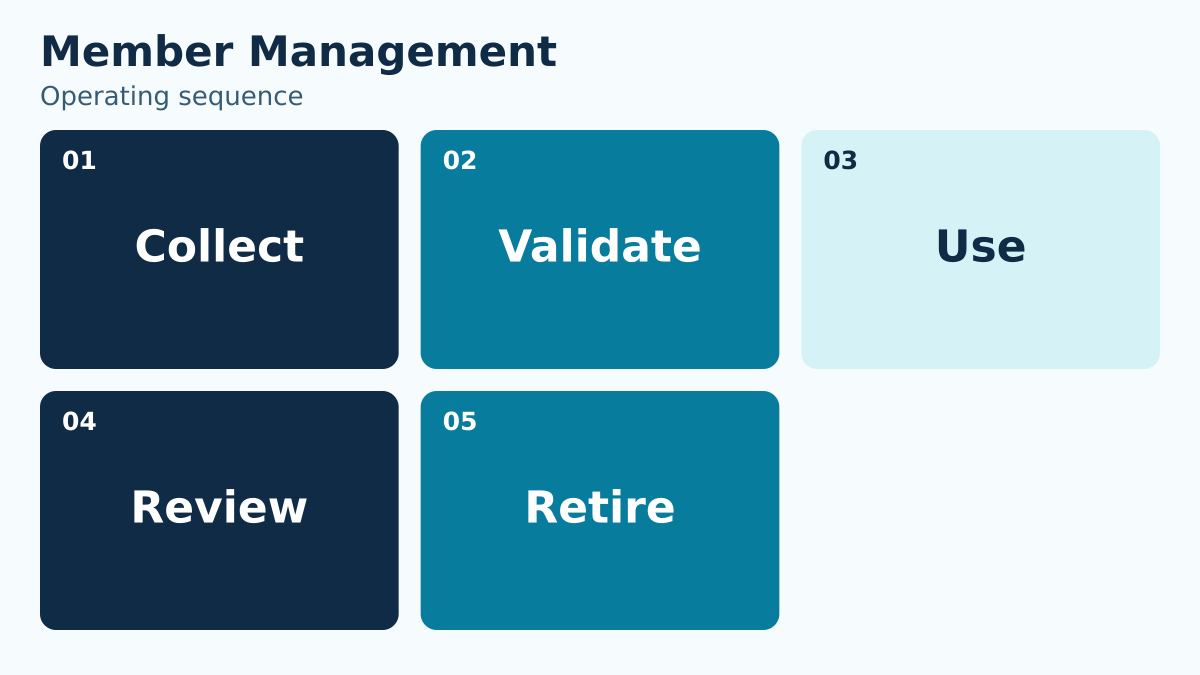
When a field no longer supports a workflow, decide whether to archive, migrate, or securely delete it. Do not leave obsolete labels in forms indefinitely.
Document what replaced the field and how historical records should be read. Clean retirement protects continuity while reducing clutter and privacy risk.
Retirement is a transition, not just hiding a column. Suppose the club replaces an unrestricted “membership type” note with an approved list of membership categories. First map existing values to the new choices and identify exceptions that require a decision. Test the reports and forms that used the old field. Tell staff where the current answer now lives and whether historical notes remain available for a defined purpose. Stop collecting the obsolete field once the replacement is ready, then apply the club’s approved retention and disposal process to old copies. Keep a brief retirement record with the date, replacement, owner, and affected exports. That record prevents a future administrator from restoring the old field because a forgotten spreadsheet still refers to it. Review newly proposed fields against retired ones before rebuilding the same clutter.
A field request the office can actually approve
Use this request before adding a new field: proposed label, decision it supports, person affected, permitted source, update event, correction owner, staff visibility, export use, and retirement condition. Ask the requester to fill in one ordinary example and one unclear example. For a preferred-contact field, the ordinary example might be a household selecting email for routine notices. The unclear example might involve two adults who want different communications. Settle whether the field describes a person, a household, or a message category before building the form.
Approve the request only when the team can demonstrate what happens next. Who uses the answer? What if it conflicts with another contact preference? How does a member change it? Put the accepted definition in the dictionary and include it in the next staff briefing. This small review makes the maintenance promise visible while the field is still easy to redesign.
Use this working-session checklist
- Name the reader or staff role who must make the decision.
- Write the operational question in one sentence.
- Identify the source record and the person responsible for it.
- Define the normal path and the most common exception.
- State which role can approve an override or correction.
- Choose the evidence that proves the outcome was completed.
- Set a review date and a trigger for revisiting the rule.
- Test the process with a realistic household, staff account, or operating day.
Do not mark the work complete because a document exists. Ask someone who did not write it to use it. If that person cannot reach the correct outcome without private coaching, the process still depends on memory.
How to make the decision durable
Write the final rule in language a seasonal employee can understand. Put technical configuration details in the implementation record, not in the staff instruction. Connect the policy to the screen, report, or record staff actually use, and give exceptions a visible route instead of an informal favor.
Then review the first few real cases. Compare the expected result with what staff and members experienced. Correct wording, permissions, fields, or training while the evidence is fresh. A small early review is more useful than a large annual cleanup because it catches interpretation gaps before they become habits.
Finally, keep ownership visible. Every open item needs a person and a date. “The board,” “the office,” or “the vendor” is not an owner. A role or named person who can act is.
Turn the framework into an operating advantage
The purpose of this work is not a perfect document. It is a club that can answer a member, complete a shift, prepare a report, and hand responsibility to the next person without losing context. Clear records reduce the number of situations that require heroic memory.
PoolPulse member and household records can help keep the relevant account and operational context connected. The club still owns its policies, approvals, and judgment; the platform should make those decisions easier to apply and review.

Your Registration Form Is Asking for More Data Than Staff Can Maintain
Use a practical data-minimization checklist to decide what a club should collect at registration, verify annually, archive, or stop asking for.

Before Renewals Open, Fix the Household Records That Make Staff Guess
A household-record cleanup process that protects history, clarifies responsibility, and gives staff one reliable member view.

Swim Club Waiver Management: What Good Software Should Make Easier
How swim clubs handle digital waiver collection, front-desk verification, and connected member records without the manual overhead.
Want to see if PoolPulse is a good fit for your club?
Book a walkthrough and we'll show you exactly how PoolPulse can help based on your club's needs, goals, and current processes.