

A Signed Waiver Is Not Enough If You Cannot Prove Which Version Was Signed
A signature is only useful when staff can retrieve the exact approved version, signer, date, and activity it covered. Audit the whole waiver lifecycle.


A family arrives for an activity and the account shows a signed waiver. Staff still cannot tell whether that signature belongs to this season’s approved form, the correct participant, or the activity about to begin. A green status alone does not answer those recordkeeping questions.
Build a waiver record that connects the approved text, its version, the signing event, the participant, and the activity requirement. The following process helps the office retrieve and explain that connection. Decisions about legal wording and retention belong with the club’s qualified advisers and approving authority.
PoolPulse connects digital templates, signed records, and document reminders to member eligibility through Waivers & Document Sharing . Have the club’s counsel approve the document language and retention rules before the release owner puts a new version into use.
Use the waiver workflow evaluation guide to test collection, front-desk verification, and retrieval alongside the version controls below.
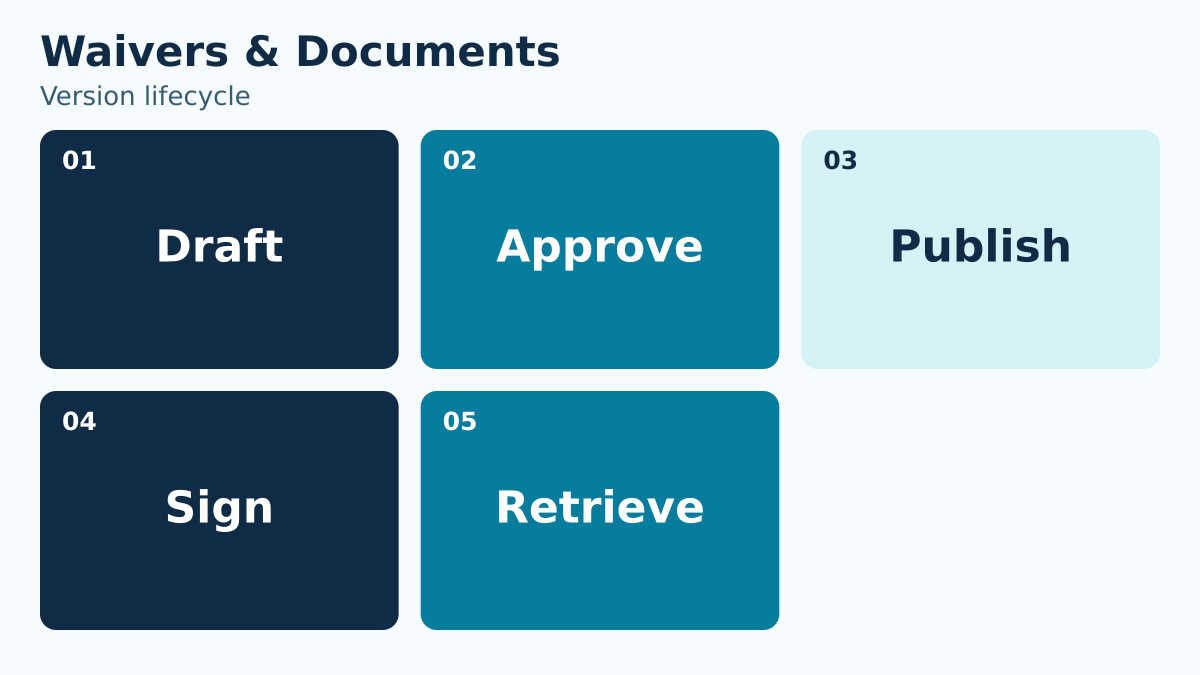
Give every approved version an identity
Use a version number or stable identifier, approval date, effective date, approving authority, and purpose. A file name such as “final-new-2” is not enough.
Keep the identifier with the signed record so staff can retrieve the exact text that applied at the time.
Adopt a version label that is easy to read aloud and hard to confuse. For example, “General participation 2027, version 1” identifies a document family and an edition; an internal identifier can provide the stable reference behind it. Keep the approval date separate from the date members first receive the form. A board may approve text in November for use during January renewal. Save the exact approved document with the approval record and identify the person responsible for releasing it. Do not rely on a filename alone to prove which text was presented. During a sample review, open the signed record and retrieve the associated version from the stored evidence. If staff can reach only the latest editable template, they have not yet demonstrated retrieval of the signed version.
Separate drafting from publication
Limit who can edit templates and who can publish them. Require approval evidence before a new version becomes available for signature.
A clean handoff prevents a draft from becoming active accidentally and shows which decision changed the member experience.
Give the template a clear path from proposed change to approved release. The editor prepares the wording, the designated reviewer checks the change, and the release owner verifies the correct version and effective-date rule before making it available. Those roles may involve only a few people in a small club, but the decisions should remain distinguishable. Use a change summary that states which document is replaced and which signing groups are affected. Test the member journey using an authorized demonstration account before sending a renewal message. Confirm the document name, participant selection, required fields, and final stored record. An apparently minor edit can still change what staff or members see, so route all changes through the same controlled release process instead of editing a live form during a busy check-in period.
Define the effective-date rule
Decide whether an updated waiver applies immediately, at renewal, at the next activity registration, or after direct notice.
Document the rule in operational terms so the system configuration, member communication, and front-desk response agree.
Write the transition rule as a dated instruction. For example, a club might decide that the new general-participation form applies to renewals submitted from January 1, while a separate program document becomes necessary when a participant registers for that program. These are possible club decisions, not universal legal requirements. Have the appropriate authority approve the actual rule and tell staff how to handle records completed immediately before the cutoff. Include time zone and any grace period the club has expressly approved. Test a signing event on each side of the boundary. Confirm whether the old signed record remains sufficient for a specific existing activity or whether the new version is required. Avoid asking the front desk to infer that answer from the form’s upload date.
Map waivers to activities and people
Specify which people and activities require each waiver. Household-level assumptions can fail when participants have different ages, roles, or programs.
The staff view should answer whether this person has the correct current record for this activity, not merely whether some document exists.
Build a requirement matrix with one row for each participant group and activity. General facility use, a lesson program, an event, and volunteer work may require different decisions from the club’s advisers. State the applicable document, the participant relationship, the renewal trigger, and the staff response when evidence is missing. Do not assume that one household signature covers every person or every activity. Walk through a family with two children enrolled in different programs and an adult using only general facilities. Ask staff to identify the required record for each person without viewing unnecessary details about the others. If a participant’s category changes, define the event that prompts a new review. The matrix should explain the operational requirement without paraphrasing or replacing the approved legal text.
Preserve signer context
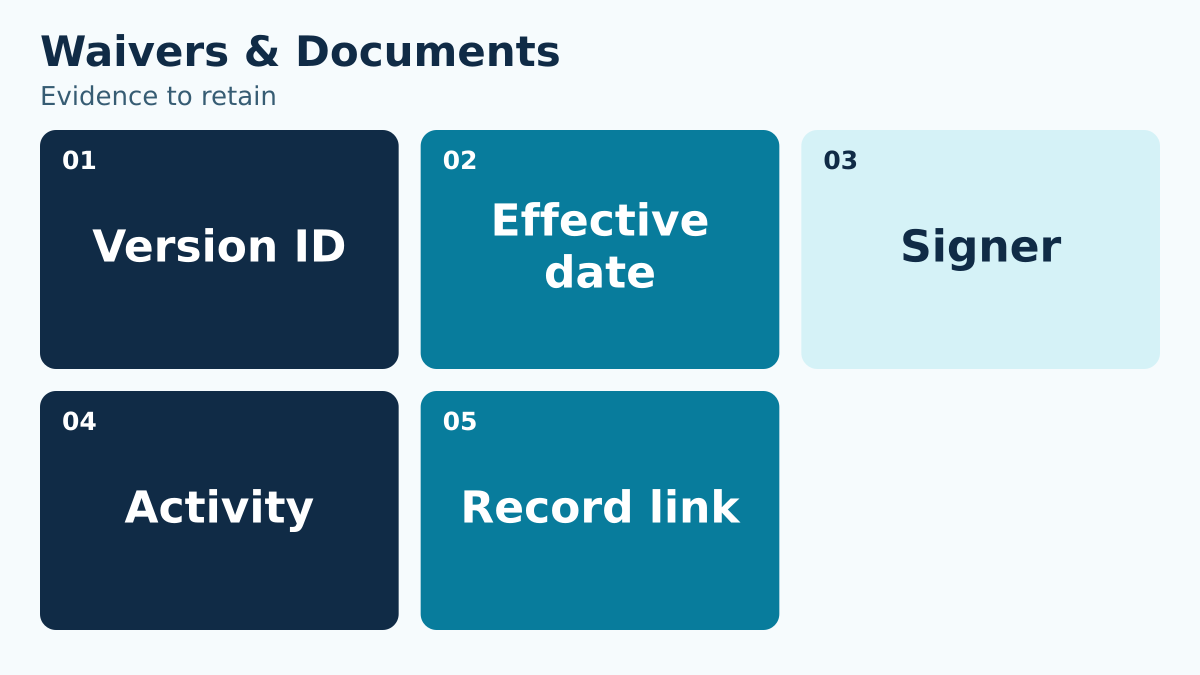
Store signer identity, relationship or authority when relevant, date and time, version, participant, and record link.
If a guardian signs for more than one participant, the record should make the coverage understandable without recreating the transaction.
Test the record from the reviewer’s perspective. For a guardian signing for two participants, can the reviewer see which people were included, which document version was presented, and when the signing event occurred? Can staff distinguish the account holder from the signer if those are different people? Decide how a correction to a name or relationship should be recorded without making the original event appear to have happened differently. Preserve necessary context in the designated record rather than in a broad note visible to every employee. Use a specific retrieval request during training: “Show the signed version associated with this participant’s lesson registration.” That is more revealing than asking whether the account has any waiver attached. Where the process needs additional evidence, assign an owner to obtain it before staff rely on the status.
Design reminders around eligibility
A reminder should lead to a clear action and explain which participant or activity is affected. Avoid generic messages that force a family to guess.
At the front desk, staff need a defined response for missing, expired, or mismatched records, including who may resolve an exception.
Make reminders specific enough that the recipient can finish the right task. Name the participant and activity where appropriate, identify the document needed, provide the action link, and state the club’s approved deadline. Avoid including sensitive background in a shared email subject. At check-in, give staff a concise script: “We still need the current participation form for this lesson. Here is the signing step, and the program lead can help if the signer details need correction.” The script should follow the club’s actual policy and available process. Define the escalation for a missing authorized signer, a disputed signature, or a document attached to the wrong participant. Never let a reminder imply admission is guaranteed if another requirement remains outstanding. Verify the updated status before completing the hand-back to the entry team.
Retire superseded versions without erasing history
Stop presenting an old template for new signatures while preserving signed historical records according to approved retention rules.
Mark the old version as superseded and link it to the replacement. Do not overwrite the original text.
Keep historical retrieval separate from offering a form for new signatures. When version 2 replaces version 1, the release owner should confirm that current links lead to the intended version while historical signing records still identify their original text. Check old QR codes, saved renewal emails, printed desk instructions, and bookmarks that members may still use. If an old link remains reachable, define what the member will see and how staff will identify a signing event made through it. Use the club’s approved retention rules for signed documents and related evidence; do not invent a fixed retention period for convenience. Record the retirement date, replacement version, responsible person, and checks completed. A release is not finished until the team has examined both the new signing path and the path used to retrieve past records.
Run a retrieval test
Choose several members and ask staff to retrieve the signed record, version text, signer, effective date, and affected activity.
If retrieval depends on one administrator’s memory or an email search, the process is not operationally ready.
Choose samples that challenge the process. Include a new household, a returning participant, a guardian signing for more than one person, a participant changing programs, and a record completed around a version cutoff. Give the reviewer the participant and activity, not a preselected document link. Ask them to find the required version, signing context, and any unresolved exception through the normal staff workflow. Record whether the answer was complete and where the search became unclear. A missing record requires follow-up; an unclear label requires a different correction. Recheck the failed case after the fix and add it to the next release test. Keep the results concise enough that the next administrator can repeat the exercise when a new form is introduced, without depending on the original project team.
Handle a signature made during a version transition
Consider a family that opens a renewal email before the new form takes effect and completes the signing process after the cutoff. Before deciding what to do, identify the text presented, the signing time, the participant, and the club’s approved transition rule. Do not infer the answer merely from the email’s send date or the presence of a signature icon.
If the approved rule requires a new signing event, send the correct document with a clear explanation of the remaining step. Preserve the earlier event according to the club’s record policy rather than overwriting it. If the earlier event is accepted under the approved rule, record why staff may rely on it. Escalate uncertain cases to the role authorized to interpret that rule.
Then fix the route that created the ambiguity. Update the old message or link where the system permits it, revise the desk reference, and add the transition case to the next release test. Give the office a list of affected records to review through an authorized process. This turns a single difficult question into a controlled follow-up instead of asking each employee to improvise whenever another family presents the same situation.
Use this working-session checklist
- Name the reader or staff role who must make the decision.
- Write the operational question in one sentence.
- Identify the source record and the person responsible for it.
- Define the normal path and the most common exception.
- State which role can approve an override or correction.
- Choose the evidence that proves the outcome was completed.
- Set a review date and a trigger for revisiting the rule.
- Test the process with a realistic household, staff account, or operating day.
Do not mark the work complete because a document exists. Ask someone who did not write it to use it. If that person cannot reach the correct outcome without private coaching, the process still depends on memory.
How to make the decision durable
Write the final rule in language a seasonal employee can understand. Put technical configuration details in the implementation record, not in the staff instruction. Connect the policy to the screen, report, or record staff actually use, and give exceptions a visible route instead of an informal favor.
Then review the first few real cases. Compare the expected result with what staff and members experienced. Correct wording, permissions, fields, or training while the evidence is fresh. A small early review is more useful than a large annual cleanup because it catches interpretation gaps before they become habits.
Finally, keep ownership visible. Every open item needs a person and a date. “The board,” “the office,” or “the vendor” is not an owner. A role or named person who can act is.
Turn the framework into an operating advantage
The purpose of this work is not a perfect document. It is a club that can answer a member, complete a shift, prepare a report, and hand responsibility to the next person without losing context. Clear records reduce the number of situations that require heroic memory.
PoolPulse waivers and document sharing can help keep the relevant account and operational context connected. The club still owns its policies, approvals, and judgment; the platform should make those decisions easier to apply and review.

Five Front-Desk Tasks Your Swim POS Should Handle
Your front desk shouldn't need three systems to check in a swimmer. Here's how modern swim POS systems save time and reduce errors.

When Your Check-In Line Proves Software Is Too Slow
Discover how software timing affects your swim club's daily operations, from check-ins to billing, and why faster response times mean happier members.

Five Ways Clubs Lose Money Without Knowing It
Most swim clubs leak thousands in revenue each season. Learn five hidden profit drains and practical fixes to recover revenue now.
Want to see if PoolPulse is a good fit for your club?
Book a walkthrough and we'll show you exactly how PoolPulse can help based on your club's needs, goals, and current processes.