

HOA Pool Reservation Software: What Communities Should Evaluate
How HOA communities manage booking rules, waitlists, and resident access context — and what to look for in pool reservation software.


Reservation software becomes important the moment a community has more demand than clean scheduling rules can handle manually.
For HOA pools, the challenge is rarely just booking time. It is making sure the booking rules stay fair, waitlists move cleanly, and resident context remains visible when staff or board members need to explain what happened.
Quick answer: what should HOA pool reservation software do?
Strong HOA pool reservation software should help your community:
- manage inventory, time slots, and booking windows
- apply resident rules and household limits consistently
- support waitlists that actually refill capacity
- connect reservations back to resident status and account context
- reduce manual exceptions and one-off spreadsheet cleanup
If reservations are digital but the rule enforcement still happens through email or memory, the community has only digitized the top layer of the problem.
Why reservation software matters operationally
Reservation systems shape more than scheduling. They affect:
- resident experience
- board trust in fairness
- front-desk or gate enforcement
- no-show recovery
- the amount of manual follow-up management teams carry
That is why reservation tooling should be evaluated alongside the broader HOA pool management software path rather than in isolation.
The 5 workflows worth validating
1. Booking rules and household limits
The platform should make it easy to define:
- who can book
- how far ahead they can book
- how many active reservations they can hold
- whether rules change by amenity, day, or membership status
If staff still need to remember special rules manually, the software is not doing enough.
2. Waitlist movement
Waitlists only matter if they help the community refill openings in time.
Test whether the system can:
- move people up quickly
- notify the next household clearly
- avoid confusion about who had the next spot
- preserve a clean history of what changed
This is one reason Reservations matters as a canonical workflow. Waitlists are most useful when they stay attached to the same booking logic and member context instead of being a side process.
3. Resident context and enforcement
Reservation disputes are easier to resolve when the system shows:
- the household that booked
- the current status of that household
- what rule applied
- whether an exception was granted
Without that context, management ends up reconstructing the story after the fact.
4. No-show recovery
Reservation software should help communities reduce unused capacity, not just record it.
That means testing:
- cancellation deadlines
- no-show tracking
- re-release timing
- how quickly waitlists or open slots become visible
This is where reservation software starts affecting the ROI conversation. The cleaner the refill path, the less value gets left unused.
5. Website and member-facing flow
For many communities, the reservation experience starts on the public or resident-facing website.
That is why Website Integration belongs in the evaluation. Booking tools, logins, and resident communication should feel like part of one system instead of a loose collection of portals.
Red flags in HOA pool reservation software
Watch for these issues:
- rules are easy to set up poorly and hard to audit later
- waitlists do not move automatically enough
- staff cannot explain how a slot was assigned
- resident context is separated from the booking record
- the website path still feels disconnected
Those are the kinds of gaps that create board friction and resident complaints.
Questions to ask every vendor
Ask these directly:
- How do waitlists refill openings when someone cancels late?
- Can resident rules vary by amenity or time slot?
- What history can staff see when a resident disputes a booking?
- How do reservation records connect to household or resident status?
- What member-facing website path supports reservations?
These questions usually reveal whether the system can support real operational fairness, not just digital booking.
Where reservation software fits the bigger buying decision
Reservation tooling should not be the only thing a community evaluates, but it is often one of the clearest signals of whether the platform understands day-to-day operations.
Communities comparing options should also review:
That gives teams a clearer view of both the workflow and the rollout.
Frequently asked questions
What is HOA pool reservation software?
HOA pool reservation software helps communities manage booking rules, capacity, waitlists, and resident access for shared amenity time.
Should waitlists be part of the same reservation system?
Yes. Waitlists are most effective when they stay connected to the same slot rules, resident context, and notification workflow.
Can reservation software help reduce no-shows?
Yes, if the system includes cancellation logic, faster opening recovery, and a clean waitlist process instead of relying on manual follow-up.
The bottom line
Good HOA pool reservation software does more than accept bookings. It helps communities make the rules easier to enforce, the waitlists easier to trust, and the resident experience easier to explain.
If your team is evaluating this workflow now, start with Reservations, review the broader HOA pool management software page, or use the migration checklist if a platform change is already being discussed.

Guest Pass Tracking for Swim Clubs: How to Tighten Rules Without Slowing the Gate
How swim clubs tighten guest pass rules, improve front-desk visibility, and reduce enforcement confusion without slowing the gate.
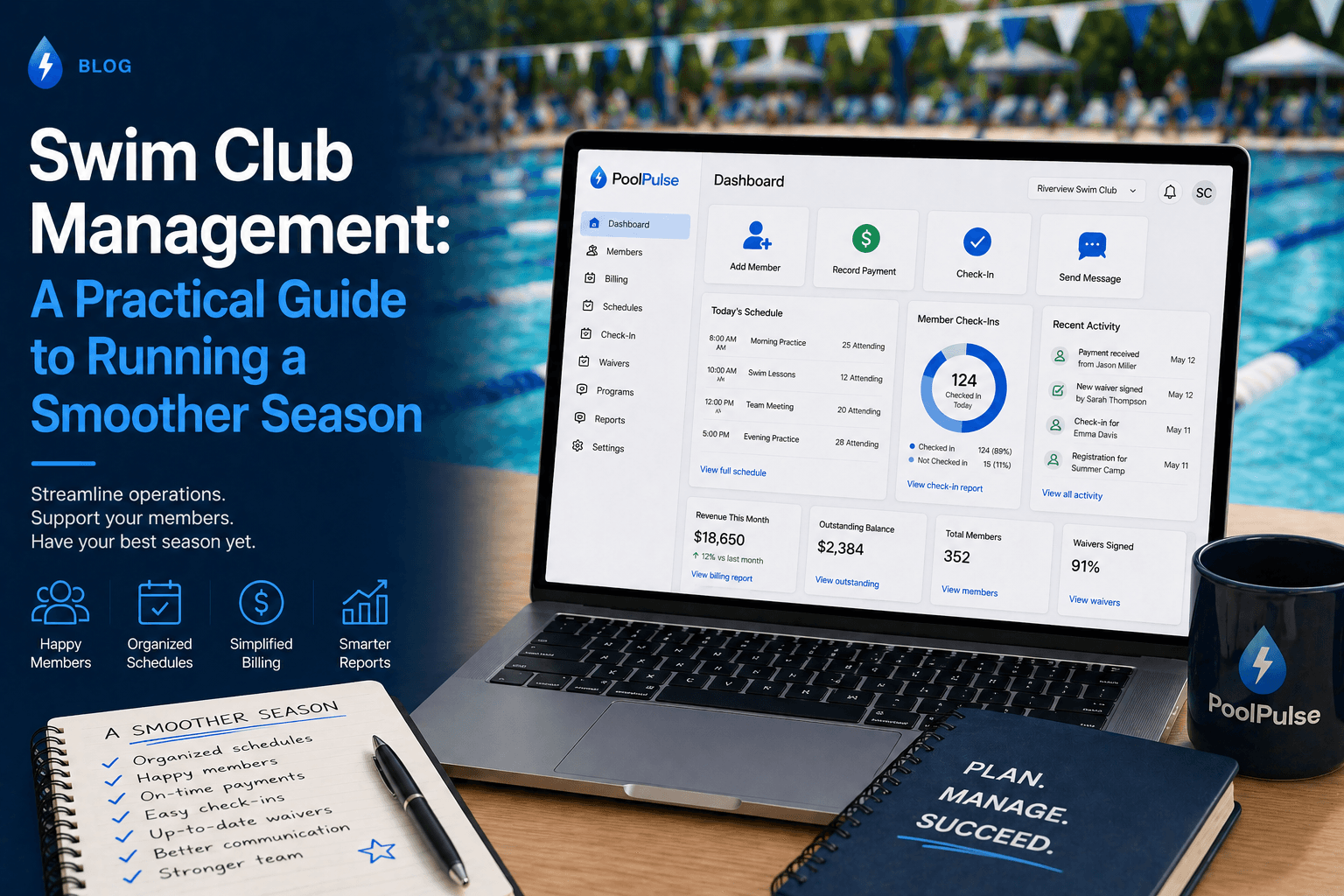
Swim Club Management: A Practical Guide to Running a Smoother Season
Swim club management gets complicated fast once memberships, dues, renewals, waivers, check-ins, guest passes, snack bar sales, staffing, and board reporting start living in different places. Here's how to simplify the season.

Before Bookings Open, Decide What “Available” Actually Means
Turn facility availability into enforceable booking rules covering capacity, eligibility, prime time, guests, cancellations, and check-in.
Want to see if PoolPulse is a good fit for your club?
Book a walkthrough and we'll show you exactly how PoolPulse can help based on your club's needs, goals, and current processes.