

Swim Club Software Board Approval Checklist: ROI, Migration, and Decision Readiness
What boards need to see before approving a swim club software change — ROI assumptions, migration readiness, workflow validation, and decision proof.

Most software approvals do not stall because the board dislikes better operations.
They stall because the team asking for the change cannot answer three questions clearly enough:
- What problem are we fixing?
- What does the switch look like in practice?
- Why is this worth the cost and disruption?
If your club is trying to win approval for new software, a clean checklist is more useful than a vague promise that the platform will make everything easier.
Quick answer: what does a board need to approve swim club software?
Most boards want proof in four areas:
- the operational problem is real and recurring
- the expected ROI is understandable
- the migration path is credible
- the staff workflows have been pressure-tested
That means the decision memo should connect the workflow story and the financial story instead of treating them as separate documents.
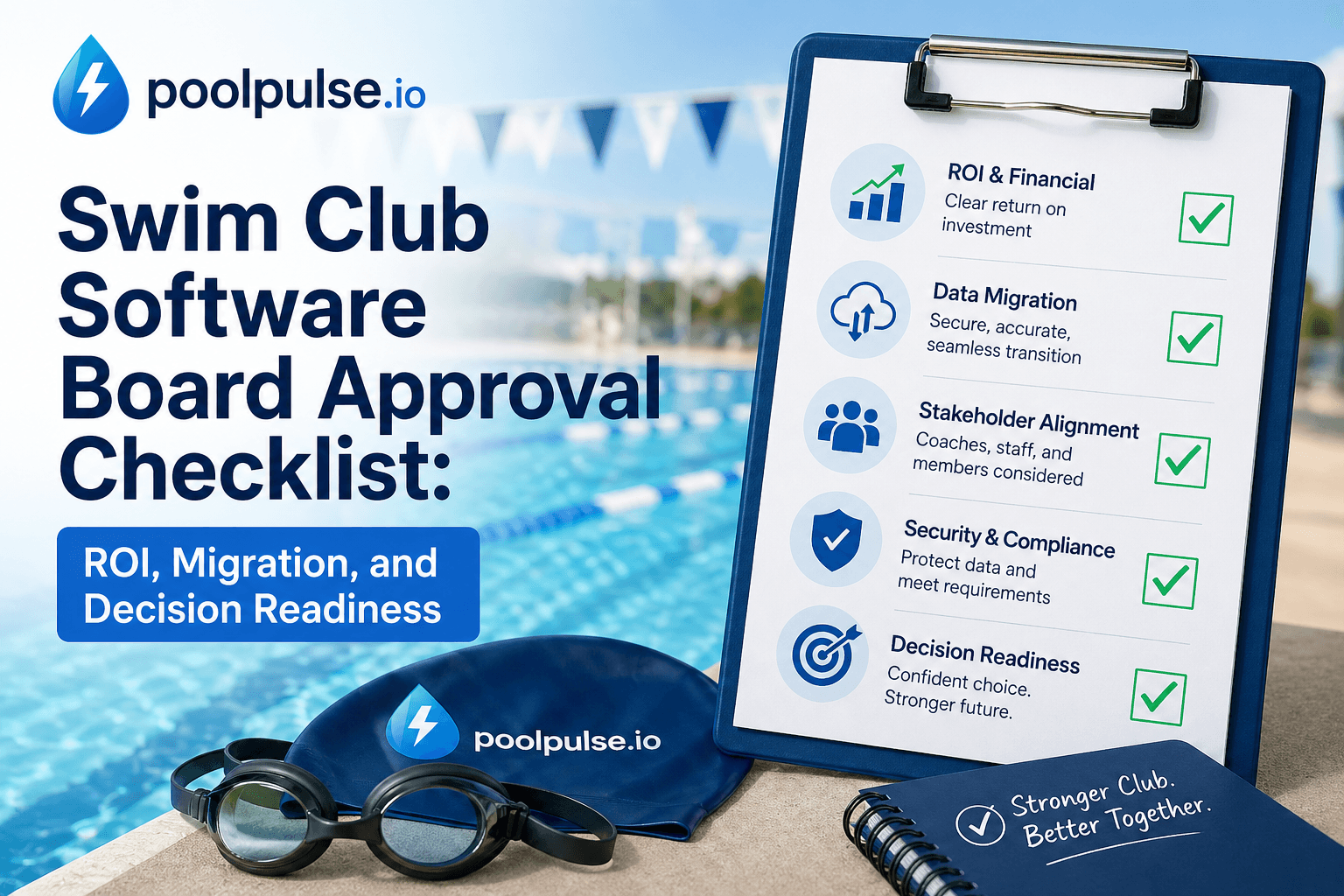
The 6-part board approval checklist
1. Define the current leakage clearly
Start by showing where the club is already paying for the current setup.
That usually includes:
- overdue balances or weak collections
- missed renewals
- no-show reservation waste
- manual reconciliation hours
- guest or front-desk exceptions that create admin drag
If you want a structured way to model those numbers, use the Revenue Recovery page first. It frames the conversation around assumptions the board can review instead of vague upside claims.
2. Tie the problem to specific workflows
Boards trust the decision more when the problem is specific:
- billing and renewal visibility
- check-in bottlenecks
- waiver verification
- guest-pass enforcement
- website or member-facing friction
This is also why commercial pages like swim club management software and website integration matter during the approval process. They help connect the purchase to the actual operating workflows the club is trying to improve.
3. Show the migration path before the board asks
Migration anxiety is one of the biggest reasons approvals slow down.
Do not wait for the board to raise it.
Bring a practical rollout answer that covers:
- what data moves first
- what gets validated before launch
- whether the website changes too
- who owns the first week after go-live
The swim club software migration checklist is the right tool for this. It turns "we can migrate" into "here is how we would validate the move."
4. Pressure-test the ROI assumptions
A good board discussion is not about proving every number down to the dollar. It is about making the assumptions explicit.
Bring assumptions such as:
- current overdue balance levels
- renewal fallout
- no-show recovery opportunity
- weekly reconciliation time
- expected payback window
That lets the board challenge the model constructively instead of rejecting it because the math felt too hand-wavy.
5. Validate the busiest staff workflows
Before approval, the team should already know how the software handles the hardest operating moments:
- a household with a balance issue at check-in
- a missing waiver
- a guest-pass question
- a renewal follow-up
- a reservation opening that needs to refill quickly
If the workflow is not clear there, the board will usually sense the uncertainty even if the demo looked polished.
6. Bring the commercial path with the rollout path
Pricing alone does not close the decision, but the board still needs to understand:
- plan fit
- any premium add-ons
- migration support
- timing of the spend
- whether there is a switch incentive
That is where Pricing and Switch & Save help. Together they show both the commercial structure and the reason to move on a timeline that works for the club instead of waiting out another season.
A simple board packet structure
If you need a practical format, use this order:
- Current operational pain and where it shows up weekly
- Modeled annual leakage or admin drag
- The workflow changes the software would improve
- Migration scope and validation plan
- Pricing and payback
- Recommended next step
That sequence usually reads much better than starting with feature lists.
Red flags that make approvals harder
Boards slow down when:
- the ROI is only described in general terms
- migration details are vague
- the team cannot explain the website path
- the workflow proof depends on abstract promises
- pricing is clear but operational change is not
Most of those issues can be fixed before the board meeting if the prep is grounded in real workflows.
Frequently asked questions
What does a board need to approve swim club software?
Most boards want a credible explanation of the operational problem, the expected ROI, the migration path, and how the new software affects day-to-day workflows.
Should migration be part of the approval packet?
Yes. Even a strong business case gets weaker if the board believes the rollout will be chaotic or unclear.
Is ROI enough on its own?
Usually no. Boards care about ROI, but they also want confidence that the team understands how the switch will actually work.
The bottom line
Board approval gets easier when the club brings a workflow case, a migration case, and an ROI case at the same time.
If you are building that packet now, start with Revenue Recovery, work through the migration checklist, and then use Switch & Save or Pricing to tie the commercial side back to the decision.

Your Data Made It. Is Your Club Ready?
A successful upload proves that records arrived. This five-part readiness test shows whether household relationships, balances, waivers, access rules and real club workflows survived the move.

The Demo-to-Opening-Day Gap: Nine Questions That Reveal Whether a Vendor Can Actually Get You Live
A polished demo shows what a club platform can do. These nine questions reveal whether the vendor can migrate your records, rebuild your workflows, prepare your team and get you safely through opening day.
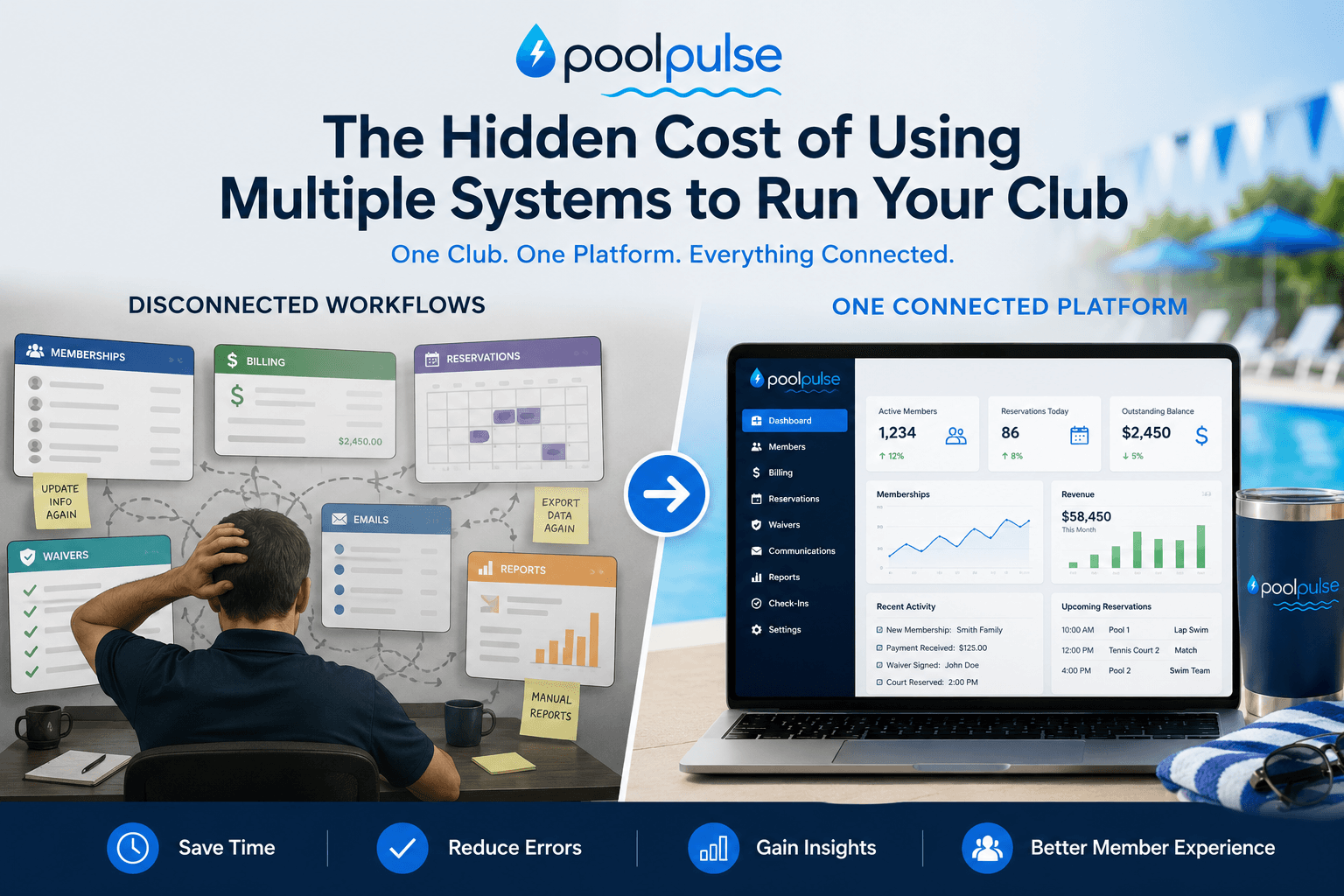
The Hidden Cost of Using Multiple Systems to Run Your Club
Disconnected club management systems create duplicate data, slow reporting, staff overhead, and member friction. Here is what those hidden costs really look like.
Want to see if PoolPulse is a good fit for your club?
Book a walkthrough and we'll show you exactly how PoolPulse can help based on your club's needs, goals, and current processes.