

One Family Balance or One per Child? The Snack Bar Decision to Make Before Next Season
A shared family balance and separate member balances solve different problems. Work through the spending rules, visibility, and checkout questions before choosing your club’s setup.


“There is $40 on the family account” and “each child has $20” sound similar until one child wants to spend more than their share. At that moment, the cashier needs an answer that matches what the parent understood when adding the money.
For a club planning next season’s snack bar, choose the spending policy before choosing the settings. A shared household balance makes funds available to the people your policy authorizes. Separate individual balances assign funds to particular members. Neither arrangement tells you, by itself, who may change that allocation or what should happen when the selected balance runs out.
What should a prepaid snack bar balance mean?
Use “prepaid” to mean value added before a purchase uses it. Use “charge to account” for a purchase recorded for payment afterward. Keep those explanations separate even if both options appear at the same register. PoolPulse’s POS and snack bar feature page describes both prepaid value and charge-to-account workflows connected to household records.
For your policy, go a step further than those labels. Specify whether the displayed amount belongs to one member’s spending allocation or is available across authorized household members. Decide whether snack bar value may also pay for merchandise or guest fees. A parent funding lunches might reasonably want a different arrangement from a family funding all club purchases.
Avoid using “credit,” “wallet,” “tab,” and “balance” interchangeably in the same instructions. Choose terms, define them once, and use them at registration, in the member portal, and during staff training. If your platform uses a different label, explain the relationship plainly. Do not leave the newest cashier to translate it while someone waits for their order.
The same $40 produces two different spending decisions
Illustrative scenario
Two children, two purchases, one policy question
A fictional household sets aside $40. Avery buys $12 of snacks, and Morgan spends $7. Under a shared arrangement, $21 remains for authorized household purchases. Under separate $20 allocations, Avery has $8 and Morgan has $13. These are hypothetical purchases, not customer results.
| Arrangement | Starting value | After both purchases |
|---|---|---|
| Shared household | $40 shared | $40 − $12 − $7 = $21 |
| Individual allocations | $20 for each child | Avery: $8; Morgan: $13 |
Now Avery wants a $10 lunch. The shared balance has enough value, assuming Avery is authorized to use it. Avery’s individual allocation is $2 short. Morgan’s $13 does not automatically become Avery’s money to spend. The family may approve a transfer, choose another payment method, or change the purchase, depending on the club’s published options.
The total money is the same in both arrangements. The decision at checkout is different. Use this example when discussing the policy with your board: are you promising convenient access to shared funds, separate spending allocations, or a clearly explained combination?
When a shared household balance fits your policy
Consider a shared arrangement when a family wants one funding destination and accepts that authorized household purchases reduce the same available amount. Ask the adult establishing the account to review who is permitted to spend. Membership in the household and permission to use prepaid funds should be explicit decisions in your operating policy.
Work through an ordinary afternoon. One parent purchases drinks, a teenager buys lunch, and a younger child orders a snack. Decide what staff must confirm for each purchase and how the history will identify the person making it. A single remaining total should not erase the explanation of how that total changed.
Also decide how a family can narrow permissions later. For example, a parent may want a visiting relative listed for club access without allowing snack bar spending. Treat that as a question to demonstrate in your chosen platform, not something to assume from the household relationship. If your available controls cannot enforce the requested distinction, explain that limitation before accepting the arrangement.
When individual balances make the intended allocation clearer
Consider individual allocations when the family’s request is about how much each person can use. A parent might assign different amounts based on planned visits or simply want each child to see their own remaining value. Ask which expectation matters: separate visibility, separate permission to spend, or both.
Those expectations need separate tests. Showing two balances is not sufficient if checkout silently draws from whichever has money. Equally, a shared total is not sufficient if the parent expects each child’s allocation to remain protected. Ask the vendor to demonstrate the actual insufficient-funds behavior for one member while another member still has value.
Define what happens when the allocation changes. Who may request it? Who verifies the request? Is the action a transfer between existing balances or a new funding payment? Which record will show the change? Keep the questions practical. You are deciding how staff will honor a family’s instructions, not asking cashiers to negotiate spending arrangements between siblings.
Offering both requires a clear order at checkout
If you want household and individual balances available together, write the selection rule before enabling the combination. You might prefer the member’s allocation first, an explicit choice each time, or different methods for different purchase types. Treat these as possible policies to evaluate against demonstrated capabilities.
Test a purchase where both balances contain enough money. Then test one where only the household balance is sufficient. Ask whether the cashier receives a choice, a warning, or an automatic fallback. If fallback is available, decide whether the family has authorized it and how it appears in the transaction record.
Avoid a vague rule such as “use whatever works.” Instead, prepare a sentence staff can repeat: “This purchase is using Avery’s individual balance; another method requires the authorized adult’s approval.” Adapt it to the arrangement you actually support. If staff cannot explain the selection, simplify the policy before adding more options.
Settle these six decisions before accepting funds
Before you start
Your prepaid spending policy
- Authorized spenders: identify who may use each balance and who can change that permission.
- Permitted purchases: state whether funds cover snacks only or additional club products.
- Balance selection: explain the rule when more than one funding source is available.
- Insufficient funds: list the supported next steps and who may approve alternatives.
- Corrections: identify who can reverse an error, adjust an allocation, or review a dispute.
- Member visibility: specify how authorized people can see purchases, funding activity, and remaining value.
Put an owner and review date on the policy. Keep unresolved questions on the launch checklist rather than turning them into informal exceptions. If a family requests an arrangement outside the policy, direct that request to the designated manager before the first purchase.
Identify the right member without exposing the whole account
Make identifying the purchaser a distinct step before selecting payment. In training, include two members with similar names, a child using a household surname, and someone who cannot find their usual credential. Ask staff to follow the approved lookup process rather than selecting the first plausible result.
Limit the information needed at the counter. The FTC recommends collecting only information the business needs and limiting employee access to resources required for their work. Apply that principle when deciding what a snack bar cashier should see or announce aloud. FTC guidance on protecting personal information .
For example, ask staff to confirm the intended purchase method without discussing the household’s unrelated account details within earshot of other members. Handle disputed permissions privately with the authorized adult. Give cashiers a clear escalation route so they can pause a transaction without trying to interpret confidential family arrangements.
PoolPulse’s member management workflow brings household details, balances, notes, and history into one record. During a demonstration, check the precise view available to the staff role that will operate your snack bar.
Agree when newly added funds become available
Ask the vendor to demonstrate funding from beginning to end. Identify the event that increases spendable value, the confirmation shown to the family, and the status visible to staff. If a payment is pending or fails, what happens to the balance? Do not assume every payment method makes value available on the same terms.
Define the response to “I just added money, but it is not showing.” Staff should check the account and funding record through the supported workflow. Avoid adding value manually just because someone has a screenshot of an attempted payment. Send unresolved cases to the person authorized to investigate them.
If staff can accept funding at the counter, test it separately from a purchase. Show the added value and then the sale, with enough information to distinguish the two events. Ask how duplicate submissions, interrupted transactions, and a mistaken funding amount are handled. Include those answers in the cashier guide.
Make the insufficient-funds moment predictable
Choose a response that staff can apply calmly. The member may reduce the order, use another supported payment method, or ask an authorized adult to add funds. If charge-to-account is an option, require the applicable permission instead of treating it as an invisible extension of prepaid spending.
Revisit Avery’s hypothetical $10 lunch with $8 available. The cashier should be able to say, “This balance has $8. We can adjust the order or use another approved payment method.” That explanation identifies the issue without making a promise about transfers, split payments, or borrowing from another member.
Test whether partial payment is supported before offering it. If it is, demonstrate a complete purchase and any later correction across both payment methods. If it is not, give staff a supported alternative. The goal is to remove improvisation from an awkward moment while respecting the family’s chosen arrangement.
Correct the purchase without losing its history
Prepare separate procedures for three situations: the wrong item was entered, the correct item was assigned to the wrong member, or the correct purchase used the wrong balance. Each deserves an explanation of what changed and why. Avoid treating every problem as permission to type a new total into the account.
Use a fictional correction exercise. A $6 purchase was assigned to Morgan but belonged to Avery. Ask the vendor to demonstrate the supported correction, the permissions required, and the records an authorized adult would see afterward. Check that staff can explain both the original entry and the correction without depending on someone’s memory.
PoolPulse’s activity and audit logs provide a running record of staff actions and changes. Ask the walkthrough team to show which specific sale and balance events are recorded in your proposed workflow. Keep the correction procedure aligned with what the product actually records.
Give families an explanation they can use
Write the member-facing explanation after you have tested the workflow. Explain where to add funds, who may spend them, how purchases select a balance, and where an authorized adult can review the result. Include the contact route for a disputed charge or a funding question.
A shared-balance explanation could say: “Approved household purchases use the same prepaid balance. Please review the authorized spenders before adding funds.” An individual-allocation explanation could say: “Funds assigned to a member are available under that member’s spending policy. Ask us about approved allocation changes.” These are sample sentences to adapt to your verified setup.
Include practical limits in the same place as the convenience. If online funding is unavailable, say how funding works. If staff cannot split a purchase, explain the available alternatives. If a manager must approve changes, identify that process. A short, accurate explanation is more useful than advertising flexibility your team cannot demonstrate.
Ask one adult who was not involved in setup to explain the policy back using the $40 example. Revise whichever sentence leaves them unsure whose money Avery can spend next.
Reconcile value separately from the number of purchases
For an operational balance check, begin with opening prepaid value, add confirmed funding and documented credits, then subtract purchases and approved value removals. Ask your accountant how these events should map to financial records; the exercise below checks the member balance, not revenue recognition or tax treatment.
Suppose a fictional household opens the day with $30, adds $25, makes purchases of $9 and $8, and receives a $4 correction credit. Its closing prepaid value should be $42: $30 + $25 − $9 − $8 + $4. Funding activity totals $25, while the two purchases total $17 before the correction. These amounts describe different events.
For separate member allocations, perform the same check for each balance before combining them. A matching household total alone will not reveal a purchase assigned to the wrong child. Review unexplained differences against the transaction history and preserve a note of the resolution.
Keep broader performance questions separate from this balance check. Our snack bar revenue playbook discusses transaction counts, sales, and correction activity as part of a weekly operating review.
Move existing balances without guessing their ownership
If you currently use a ledger or another platform, decide what each opening balance represents before importing it. A row labeled “Johnson family: $35” does not specify whether that amount is shared or assigned to one child. Ask the authorized account contact to resolve ambiguous allocations before launch.
Record a cutoff date and time for the old process. Identify who will capture transactions that occur around the transition and how those entries reach the new record. Avoid allowing two independent sources to spend the same opening value without a documented reconciliation process.
Use a small sample to validate the mapping: one shared household, two individual allocations within a household, an inactive member with remaining value, and an account with an unresolved correction. Compare each opening amount and owner against the approved source.
Do not quietly convert separate allocations into a shared pool just because the import is easier. If a different arrangement is necessary, explain it and obtain the appropriate authorization before treating the new balance as spendable.
Decide what happens to unused value before closing day
Include season-end handling in the policy before inviting families to fund accounts. Identify what the club proposes to do when the snack bar closes, a membership ends, or a household requests a change. Have the appropriate financial or legal adviser review the proposed treatment where necessary; do not assume a software setting determines what the club may do with remaining funds.
From an operational perspective, name the person who will review unresolved balances and the information they need. Keep funded value distinguishable from promotional credits or corrections if those categories receive different treatment under the approved policy. Ask the vendor how those differences can be recorded and reported.
Use a closing checklist with an account owner, remaining value, open dispute or correction, proposed action, and completion record. For individual allocations, confirm each member’s amount rather than relying only on the household total. If a household changes membership structure for next season, resolve the ownership and permission questions before moving value into a new arrangement.
Tell families the next step while the season is still active. A clear contact route and an accurate balance record give them something concrete to review.
Give staff a plan for interrupted checkout
Include an interrupted transaction in training. The screen stops responding after the cashier submits a purchase, and the member is unsure whether it completed. Staff should first check the supported transaction history or status before submitting it again. Make the person responsible for unresolved transactions easy to reach during service hours.
Ask the vendor which actions, if any, are supported when connectivity is unavailable. Do not promise offline spending simply because the register can still display an account. Ask how the platform prevents spending against an outdated value and how a recovered transaction becomes visible after service returns.
If the club needs a temporary service procedure, define it in advance. Specify what information staff may record, who authorizes the exception, and who reconciles it afterward. Keep the temporary record controlled and limited to what is needed. Do not let an improvised notebook become a second permanent balance system.
End the exercise by finding the completed purchase, confirming the remaining value, and explaining the outcome to the member. Count the exercise as complete only when the uncertainty is resolved.
Keep complimentary items separate from family spending
Decide how staff should record an item the club chooses to provide without charging the member. A replacement for an incorrect order, an approved staff meal, and a promotion may need different treatment. Write the reason and approval process for each instead of telling cashiers to select any account that makes the register continue.
For a hypothetical example, a $4 item is provided as an approved replacement and the family’s balance is $15. If the policy says the family should not pay, the intended remaining value is still $15. Ask the vendor to show the supported way to record the replacement, its effect on the balance, and the entry a manager would review.
That demonstration helps separate a concession decision from a funding adjustment. Review it alongside corrections so staff know when they are fixing a purchase, recording an approved complimentary item, or changing prepaid value.
Run a complete demonstration, including the exceptions
Bring fictional records, your proposed policy, and the expected result for each scenario. Ask for the cashier and member views, not just an administrator’s settings screen. If payment processing is demonstrated, use the provider’s test environment and test details. Stripe directs developers to test using its testing environments rather than real payment details in live mode. Stripe testing documentation.
- Establish the opening value and show which member or household owns it.
- Complete one purchase and show its effect on the intended balance.
- Repeat with a second member and confirm the allocation remains correct.
- Attempt an insufficient-funds purchase and follow the approved response.
- Correct an incorrectly assigned purchase and inspect the resulting history.
- Review the same account as an authorized adult and as a cashier.
For any requested capability the demonstration does not show, record the question and ask for a clear answer about availability. A roadmap intention should not become a launch promise to families. Keep the final policy within the workflows your staff have actually practiced.
Review the first week for confusion, not just sales
Choose a manager to collect questions during the initial rollout. Track occasions when staff selected the wrong member, families misunderstood a balance, funding required investigation, or a purchase needed an exception. Record the problem without exposing unnecessary personal information in a general team discussion.
Look for the decision behind each incident. Was the policy unclear, was the screen hard to interpret, or did the staff member miss a training step? Change the relevant instruction or configuration rather than adding a broad exception that creates another inconsistency.
After an adjustment, repeat the affected scenario with the next shift. Check whether the member-facing explanation needs the same change. Keep one current version of the policy, and tell staff which version applies. Measure improvement against your own recorded questions and corrections instead of adopting an unsupported industry target.
Bring your balance policy to a PoolPulse walkthrough
PoolPulse connects snack bar sales, prepaid value, and charge-to-account activity with household context. Use the POS and snack bar overview as the starting point, then ask the team to demonstrate the particular allocation, spending, funding, and correction controls your club needs.
Your decision does not have to begin with every possible option enabled. Begin with the arrangement your families understand and your staff can explain. Add complexity only when it solves a specific, demonstrated need.
Before next season, aim for one dependable answer at the counter: whose balance is being used, what will remain, and what happens if it is insufficient. Schedule a PoolPulse walkthrough around your club’s snack bar policy and bring the shared-versus-individual example with you.
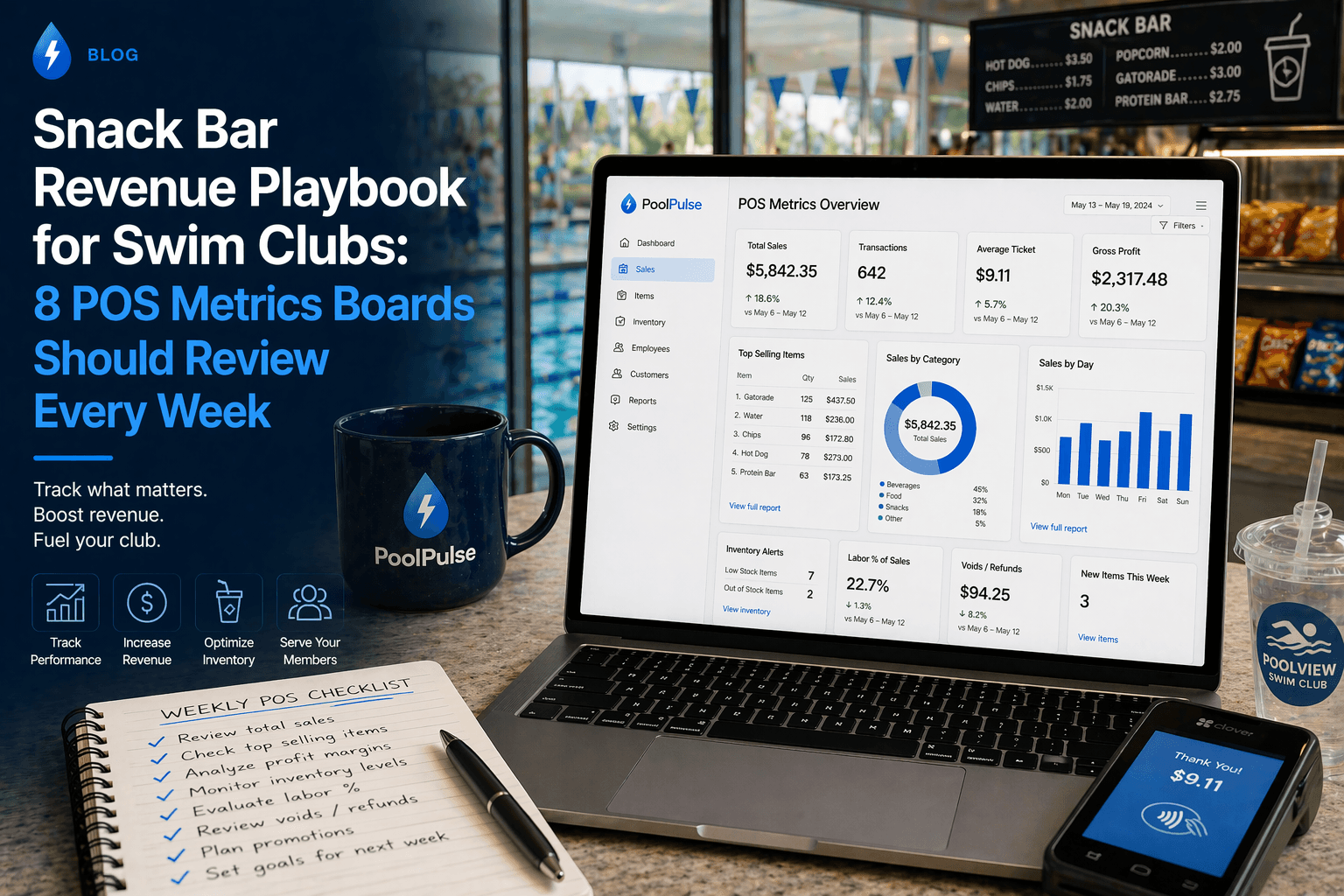
Snack Bar Revenue Playbook for Swim Clubs: 8 POS Metrics Boards Should Review Every Week
The POS metrics swim club boards should review weekly: snack bar revenue, inventory signals, and account risk in one clear view.

Is Your Swim Club Ready for an Emergency? The Ready Club Test
Can your swim club handle an emergency? Test your readiness with this practical checklist for club operators, from staff training to member communication.

Your Pool Needs More Than a Lifeguard on Duty
Swim club operators need systems that manage facilities, track maintenance, and protect members. Here's what works in 2026.
Want to see if PoolPulse is a good fit for your club?
Book a walkthrough and we'll show you exactly how PoolPulse can help based on your club's needs, goals, and current processes.