

How Integrated Event Registration and Billing Can Boost Your Club's Fundraising
Fundraising events work better when registration, payment, reminders, and follow-up live in one connected workflow.

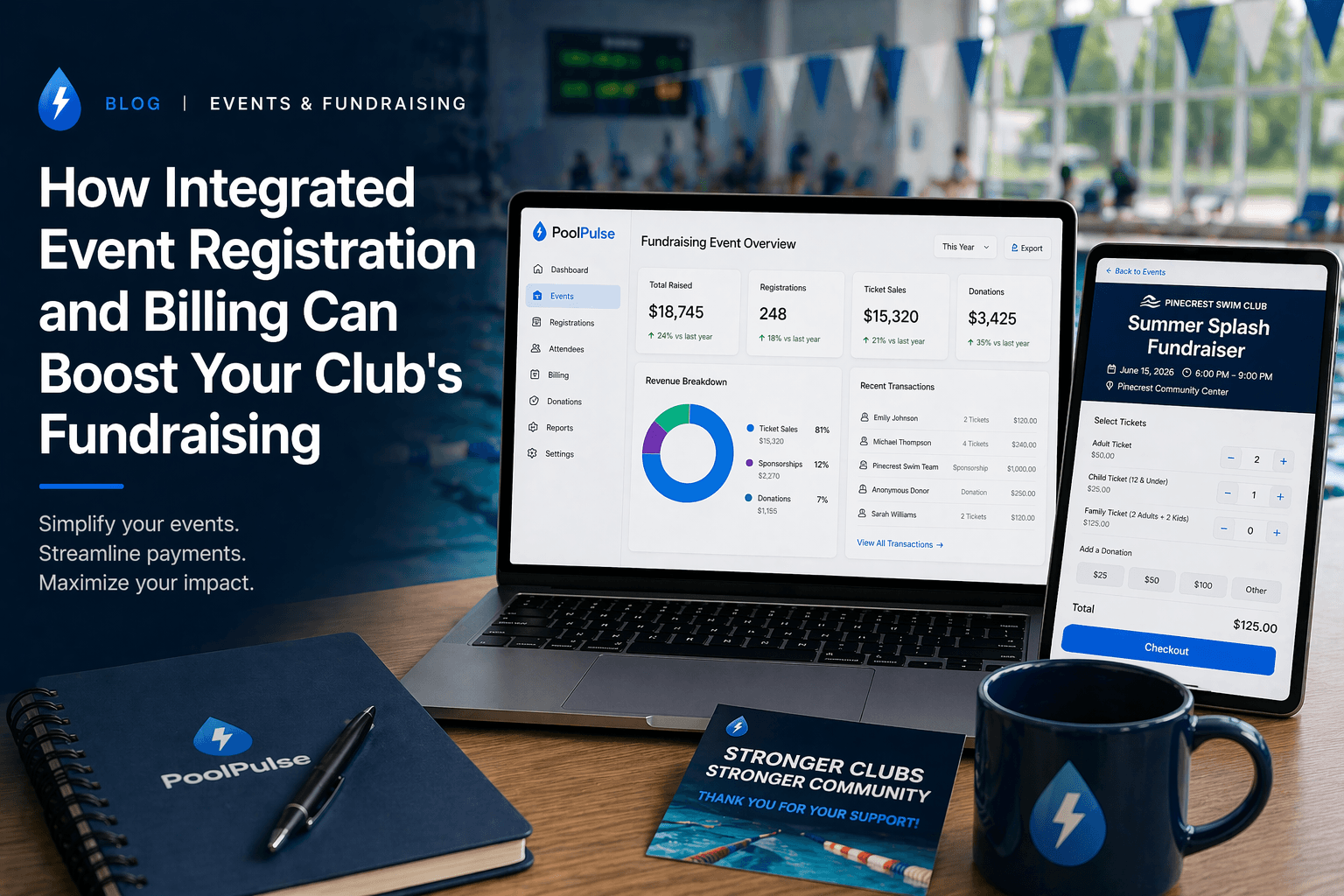
Fundraising events should create momentum for the club.
Too often, they create admin cleanup instead.
That usually happens when the workflow is split apart:
- one tool for the signup form
- one tool for payment
- one list for attendee tracking
- one inbox thread for reminder emails
- one spreadsheet afterward to figure out what actually happened
That kind of setup can still raise money, but it leaves a lot of efficiency on the table.
Why integration matters for fundraising
When event registration and billing are connected, the club gets a simpler operating loop:
- the attendee record is created once
- payment status is visible immediately
- reminders can target real registrants
- the team can see who registered, who paid, and who still needs follow-up
That removes several common points of friction:
Fewer drop-offs during signup
If the payment step is built into the registration flow, fewer families abandon the process halfway through.
Less manual reconciliation
The club does not need to match a form export to a separate payment report after the fact.
Better communication
Reminder emails can be sent to the right people without rebuilding the list from scratch.
Cleaner post-event reporting
The board can actually see turnout, paid registrations, and revenue without asking someone to compile three exports on Sunday night.
A practical PoolPulse setup flow
If you wanted to run a fundraiser, social event, special clinic, or member-only program in PoolPulse, the setup logic would look like this:
1. Create the event and registration options
Use Events to define the date, attendance options, and ticket or registration tiers.
That could mean:
- standard tickets
- member pricing versus guest pricing
- sponsorship tiers
- add-on donations
- capped capacity with a waitlist
2. Connect payment and billing from the start
Use Billing & Payments so registration and payment status stay together.
That means staff can see:
- who registered
- who completed payment
- who still has an open balance
- which households should receive follow-up
3. Add reminder and confirmation messaging
Use Notes & Notifications and Marketing Automation to send:
- registration confirmations
- deadline reminders
- day-before logistics
- post-event thank-yous
4. Use the member record for follow-up
Because event activity is tied back to the member record, the club can follow up intelligently after the event:
- thank attendees
- invite donors to the next event
- follow up with no-shows
- target future sponsorship offers
That is where integrated tooling starts helping revenue, not just admin.
Tips for promoting club fundraisers
Even with good software, promotion still matters. A few practical tactics usually help:
Start with the warmest audience first
Members, recent attendees, and engaged households are the best first wave. Do not launch a general blast before you have reached the people most likely to say yes.
Use deadline-driven reminders
One reminder when registration opens is not enough. Clubs usually need:
- an opening message
- a mid-campaign reminder
- a final-week push
- a last-day note if capacity or pricing changes
Make the value of the event obvious
People register faster when they know whether the event is:
- raising money for equipment
- supporting scholarships
- funding repairs or improvements
- tied to a visible club milestone
Keep pricing simple
Complicated event pricing slows decisions. Clear tiers and clear add-ons convert better than a long menu of exceptions.
The bottom line
Fundraising works best when it feels easy to say yes.
Integrated event registration and billing help because the club stops forcing families and volunteers to move across disconnected tools just to attend or support one event.
That means less admin friction, better payment follow-through, cleaner reporting, and more time to focus on turnout and community energy.
For many clubs, that is the difference between a fundraiser that feels stressful and a fundraiser the team actually wants to run again.
Sources referenced

Freeze, Cancel, or Defer? Give Staff One Membership Answer
Separate membership freezes, cancellations, and deferrals with clear dates, financial treatment, access rules, approvals, and member communication.

Five Front-Desk Tasks Your Swim POS Should Handle
Your front desk shouldn't need three systems to check in a swimmer. Here's how modern swim POS systems save time and reduce errors.

When Your Check-In Line Proves Software Is Too Slow
Discover how software timing affects your swim club's daily operations, from check-ins to billing, and why faster response times mean happier members.
Want to see if PoolPulse is a good fit for your club?
Book a walkthrough and we'll show you exactly how PoolPulse can help based on your club's needs, goals, and current processes.