

Seasonal Staff Should Not Inherit Last Year’s Access
Returning staff do not automatically need last year’s permissions. Review roles, devices, exports, and approvals before next season’s accounts go live.


A returning employee is promoted to shift lead, another comes back only for weekend check-in, and last year’s finance volunteer has left. Reactivating the same accounts would preserve yesterday’s responsibilities. The new season needs an access review based on the work people will actually perform.
Start with a task list for each role, separate routine actions from approvals, remove access that no longer has an owner, and test the resulting accounts during a realistic shift. The aim is a usable working role with an explicit path for exceptions.
NIST defines least privilege as restricting users to the minimum privileges needed to accomplish assigned tasks. See the NIST definition of least privilege . PoolPulse provides role-based permissions and user management through its Staff & Users feature .
Begin with work, not job titles
Titles are too broad to determine access. List the tasks each person must complete: check in members, view balances, issue guest passes, update household details, process refunds, export reports, or configure rules.
Map permissions to those tasks. Two “managers” may need very different capabilities, while a trusted seasonal lead may need only a narrow escalation path.
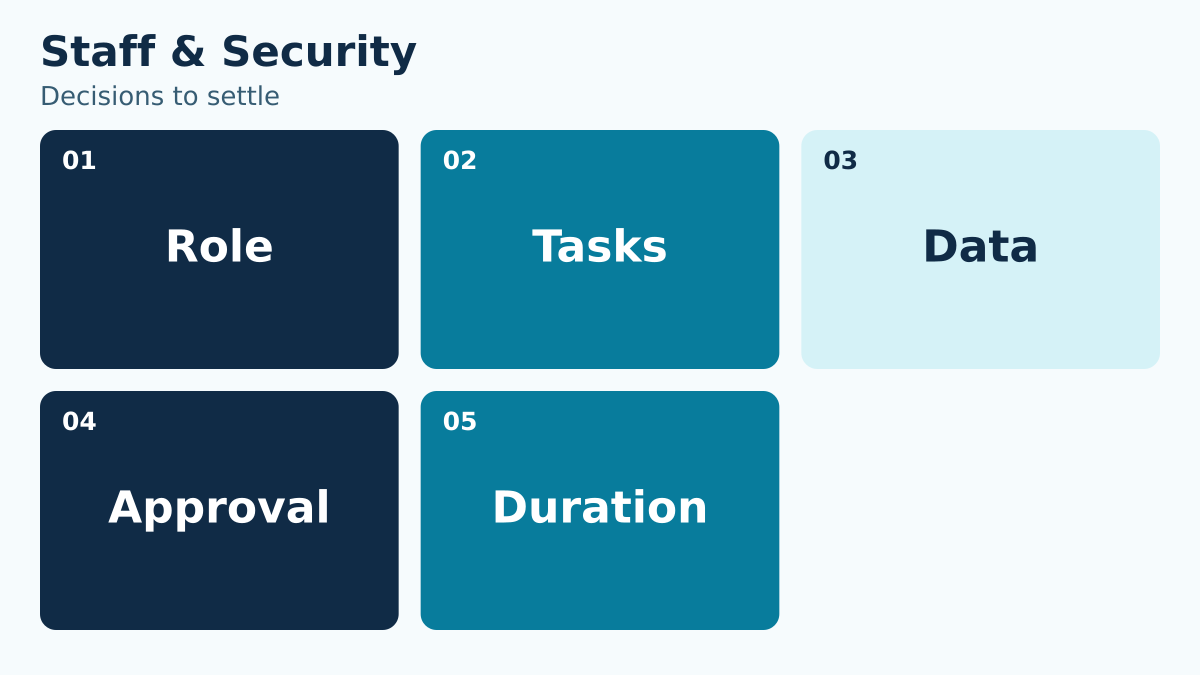
Make the task list concrete enough to test. “Manage members” could mean viewing a photograph, correcting a telephone number, changing a membership package, or exporting the entire directory. List those as separate actions. For a weekend check-in role, begin with finding the member, viewing the admission information the club has approved for that role, recording entry, and requesting help. Ask whether the person needs to change the underlying membership decision or simply see it. For the finance role, separate entering a payment from approving an adjustment and changing payment settings. Record any permission that exists only because a previous workaround required it. When a role contains an unfamiliar permission, ask its business owner to demonstrate the task it supports before carrying it into the next season.
Separate routine work from approval power
A person who records a request does not always need authority to approve a credit, change a rule, export all members, or modify another user.
Create visible approval boundaries. Staff should know what they may complete, what they may propose, and which actions require a second role.
Build an approval example around a disputed guest charge. The front desk can record what the member says and identify the transaction. A shift lead may be allowed to correct a documented entry mistake within a defined limit, while a larger refund goes to finance. The exact limits belong to the club; the important design choice is to make them explicit. Include what happens when the approver is absent. A backup role should receive the relevant facts without requiring the front desk to borrow someone else’s login. Test the declined path too: staff should be able to explain that a request is under review and provide a next update. Approval controls are incomplete if the only practical way to handle a busy period is to share an administrator account.
Remove inherited access before reactivation
Do not reactivate last year’s account and assume its access remains appropriate. Responsibilities, staffing levels, modules, and policies change.
Compare the prior role with the new assignment, remove unused permissions, and document why elevated access remains necessary.
Review every returning account against a roster of current assignments. Mark accounts as approved for return, awaiting a role decision, or no longer required. For a person changing departments, compare the old and new task lists side by side. Remove permissions that belonged to the former assignment instead of adding the new role on top of everything already present. Pay particular attention to temporary access granted for a prior migration, special event, or manager absence. Ask who still owns each exception and when it ends. Preserve historical records according to the club’s process while changing the ability to sign in or act. Do not confuse removing unnecessary access with deleting the history needed to understand work that person completed during the previous season.
Use individual accounts
Shared logins erase accountability and make offboarding difficult. Give each person an individual identity and avoid passing passwords between shifts.
Tie actions to the person who completed them. This supports coaching, troubleshooting, and a fair review when a mistake occurs.
Choose a practical sign-in routine for shared workstations. Staff may use the same front-desk device without using the same identity. Define how a shift begins, how the current user signs out, what to do when a device is left unlocked, and whom to contact when an account cannot be used. Check whether the routine is feasible during the actual changeover window. If it takes several minutes to switch users, investigate the workflow instead of telling staff to improvise. Use the FTC’s access-control guidance when designing individual access and password practices. Keep emergency recovery separate from the everyday desk login, with a named custodian and a record of use. The goal is for an incident review to identify who acted without asking staff to reconstruct a shared password’s movements.
Review devices and recovery paths
Access includes more than the main application. Inventory tablets, point-of-sale devices, email lists, shared drives, payment portals, door systems, and password-recovery contacts.
A former staff member may lose one login while remaining a recovery contact elsewhere. Treat the full access path as one review.
Walk the access path beyond the member platform. Record the club email account used for recovery, the payment portal, shared files, reservation services, door controls, and physical keys that affect the role. For each item, name the current administrator and the fallback contact. Verify that recovery messages go to a current club-controlled destination, rather than a former employee’s personal inbox. Check the device itself: who can unlock it, whether the previous user remains signed in, and what files have been downloaded locally. Return or reassignment of a tablet should include a review of the accounts and stored information on it. Keep this inventory focused on actual systems the club uses; a long generic security checklist can conceal the one forgotten service that still has an obsolete owner.
Test a realistic shift
Have each role complete representative tasks with its own account. Include a routine check-in, a waiver exception, a guest question, a balance inquiry, and an escalation.
A role that is too restrictive creates workarounds; one that is too broad creates unnecessary exposure. Testing reveals both before opening day.
Test the least experienced permitted user, not only the manager. Give the tester a normal check-in, a missing waiver, a question about a balance, and a guest who needs an authorized exception. Watch where the tester must stop and whether the next role can see the necessary context. Also test prohibited actions: can the desk role export records it should not receive, change a user’s permissions, or alter an admission rule? Record both the expected and observed outcome. A denied action may be correct even when the tester finds it inconvenient; an unavailable routine task may signal that the role needs adjustment. Fix the role definition or procedure and repeat the failed case. Do not resolve a narrow problem by granting broad administrator access to everyone.
Set time boundaries
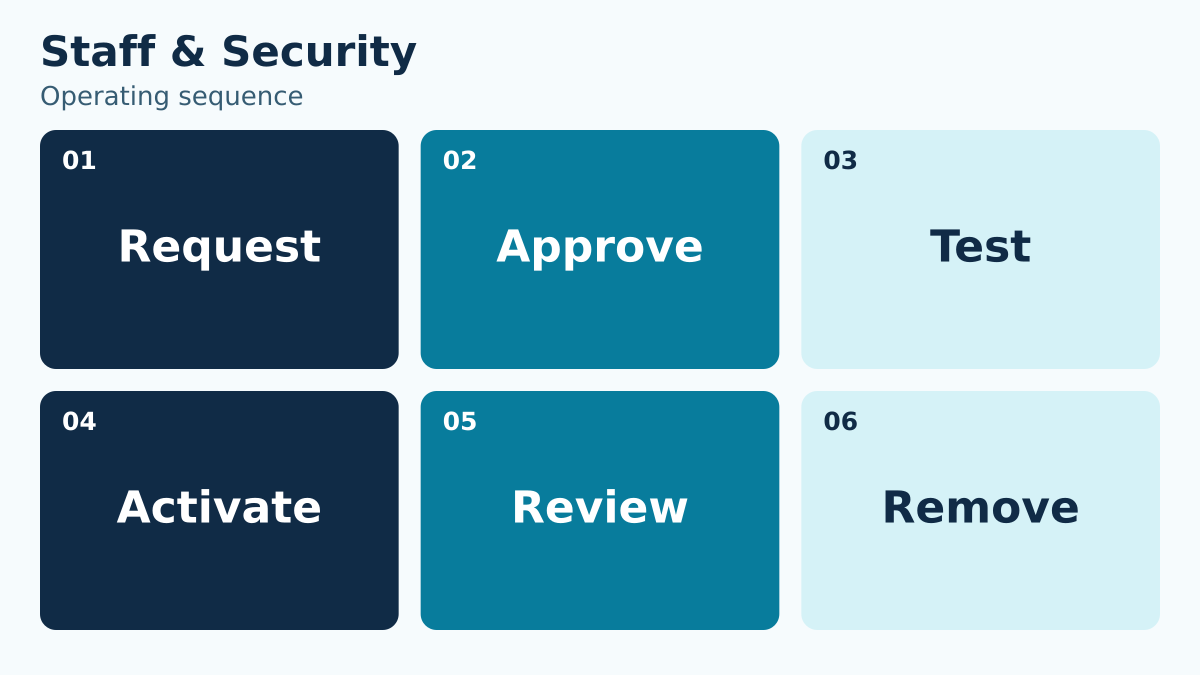
Seasonal access should have a start date, review date, and expected end date. Temporary elevation should expire or be reviewed after the task.
Create an offboarding checklist that covers systems, devices, physical keys, shared documents, and communication channels.
Put the access dates beside the assignment dates. A person helping with preseason setup may need access before regular shifts begin, while a departing worker may need no operational access after the final handoff. Record that distinction rather than using one season-wide end date for every account. For temporary elevation, write the specific task and the point at which the extra permission should be removed. If the system does not enforce an expiry automatically, place the review in the responsible administrator’s work queue. Never describe an automated expiry as present until it has been verified. At departure, check devices, recovery contacts, shared files, and keys as well as the main login. Ask a second person to confirm completion when the account held elevated authority.
Keep an access decision log
Record who requested access, who approved it, which role was assigned, what changed, and when it will be reviewed.
The log makes future reviews faster and prevents institutional memory from living only in one administrator’s inbox.
Use a short decision record for each unusual permission. For example: “Shift lead may correct an accidental duplicate guest entry; finance approval remains required for a cash refund; access reviewed at the end of the opening fortnight.” This makes the boundary understandable without copying an entire settings page. Include the requesting role, approving role, date, reason, and evidence from the role test. Group routine assignments under an approved role definition so the log does not become a duplicate personnel roster. Review exceptions first at the next seasonal check because they are the most likely to be forgotten. Keep a record of removed permissions too. When someone later asks why a capability disappeared, the club should be able to point to the role change or completed temporary task rather than reconstructing the decision from memory.
Resolve a returning shift lead’s access request
Imagine a former front-desk employee returning as a weekend lead. Last year the employee briefly received broad access to help during an administrator’s absence. The new role needs to resolve entry questions and coordinate staff, but it does not automatically inherit that temporary finance authority.
Review the request in three parts. First, list the lead’s ordinary tasks and confirm which approved role supports them. Second, name the exceptional decisions the person may make, including limits and the required record. Third, remove the old temporary access and test the new arrangement with a routine entry and a disputed charge. If the disputed charge requires finance, the lead’s success is a complete handoff to finance, not the ability to issue any refund.
Record the reviewer, effective date, test results, and next review. Tell the lead what changed and where to escalate questions. If a real shift reveals a missing routine capability, document that specific gap and correct the role after review. Do not restore the entire old permission set as a shortcut. The same process applies when a board member rotates out, a volunteer changes responsibilities, or a staff member returns for a narrower assignment.
Coordinate the access handoff with the board handover access checklist when leadership roles are changing at the same time as seasonal staff.
Use this working-session checklist
- Name the reader or staff role who must make the decision.
- Write the operational question in one sentence.
- Identify the source record and the person responsible for it.
- Define the normal path and the most common exception.
- State which role can approve an override or correction.
- Choose the evidence that proves the outcome was completed.
- Set a review date and a trigger for revisiting the rule.
- Test the process with a realistic household, staff account, or operating day.
Do not mark the work complete because a document exists. Ask someone who did not write it to use it. If that person cannot reach the correct outcome without private coaching, the process still depends on memory.
How to make the decision durable
Write the final rule in language a seasonal employee can understand. Put technical configuration details in the implementation record, not in the staff instruction. Connect the policy to the screen, report, or record staff actually use, and give exceptions a visible route instead of an informal favor.
Then review the first few real cases. Compare the expected result with what staff and members experienced. Correct wording, permissions, fields, or training while the evidence is fresh. A small early review is more useful than a large annual cleanup because it catches interpretation gaps before they become habits.
Finally, keep ownership visible. Every open item needs a person and a date. “The board,” “the office,” or “the vendor” is not an owner. A role or named person who can act is.
Turn the framework into an operating advantage
The purpose of this work is not a perfect document. It is a club that can answer a member, complete a shift, prepare a report, and hand responsibility to the next person without losing context. Clear records reduce the number of situations that require heroic memory.
PoolPulse staff and user management can help keep the relevant account and operational context connected. The club still owns its policies, approvals, and judgment; the platform should make those decisions easier to apply and review.

Build Next Season’s Staff Schedule Around Coverage, Not Names
A list of returning employees is not a staffing plan. Define the coverage the operation needs before assigning names to shifts.

Five Front-Desk Tasks Your Swim POS Should Handle
Your front desk shouldn't need three systems to check in a swimmer. Here's how modern swim POS systems save time and reduce errors.

When Your Check-In Line Proves Software Is Too Slow
Discover how software timing affects your swim club's daily operations, from check-ins to billing, and why faster response times mean happier members.
Want to see if PoolPulse is a good fit for your club?
Book a walkthrough and we'll show you exactly how PoolPulse can help based on your club's needs, goals, and current processes.